
How to access the Settings page in myschool
How to open the main Settings page that holds all system configuration options.
myschool includes many modules and plugins for managing administrative and learning activities. The Menu at the top of your dashboard gives access to the core modules and the plugins available to your institution.
Steps to access Settings
- Click the Settings link on the dashboard.

- The Configuration Home page opens.
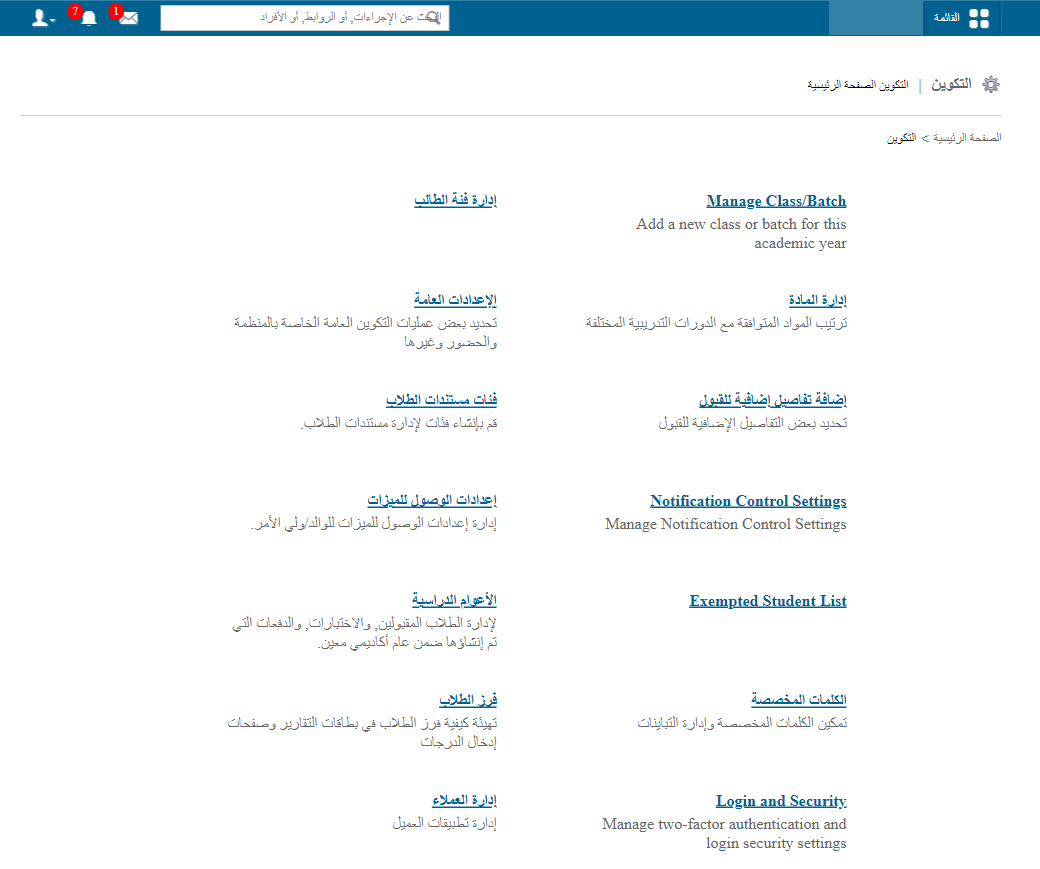
Tip: To learn what each option on this page does, see the Settings page overview.
Was this article helpful?
Thanks for your feedback!