
Custom word settings
How to change the labels shown in the interface — such as course, batch and subject — to match your institution.
Custom words handle differences in how institutions name batches, sections, courses and so on. The Admin or a privileged user can add custom words so the interface shows the terms your institution uses.
Steps
- At the top of your dashboard, click Menu → Administration → Settings → Custom Words.
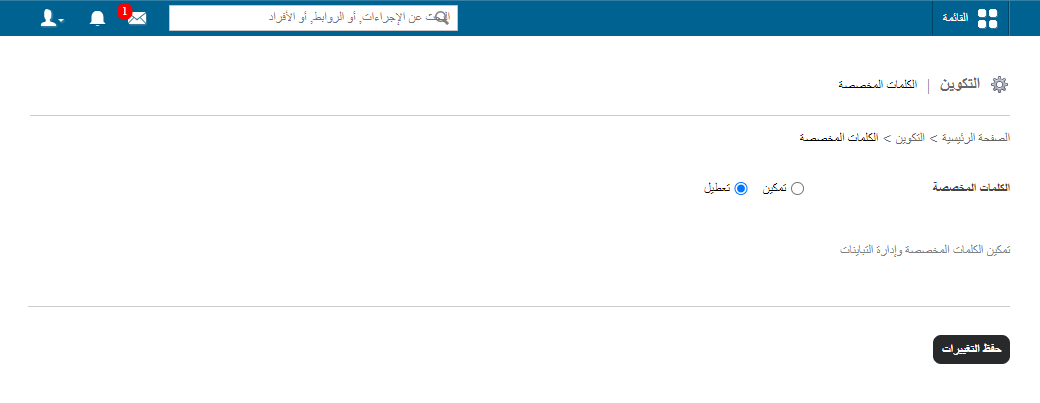
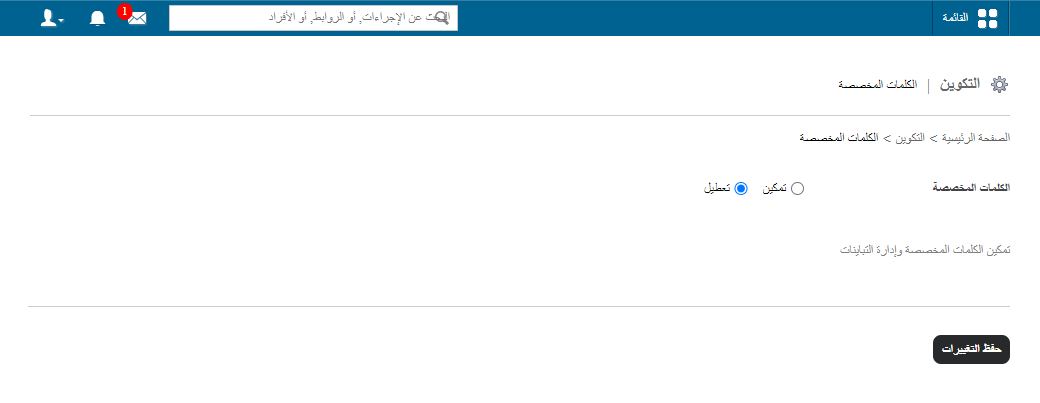
- Enable the option with the radio button and enter your custom words.
- Enter a replacement for each entity:
- Course: e.g. “Class”.
- Batch: e.g. “Section”.
- Subject: e.g. “Paper”.
Enter both the lower case and lower case plural form of each word.
Screenshot — to be added
public/images/articles/custom-words-3.png- Click Save changes.
Was this article helpful?
Thanks for your feedback!