
What is a student category?
Student categories group students for fees and discounts. Learn how to add, edit and delete them.
Student categories let an institution group students by different criteria, depending on its needs.
Common examples
- Boarding arrangement: day scholar, weekly boarder, regular boarder.
- Official classifications: students with special needs, foreign nationals, reserved categories.
- Special relationship: staff children, siblings.
Purpose
Categories make it easy to apply different fee structures and discounts, set according to the category assigned when a student is admitted.
Add a student category
- Go to Menu → Administration → Settings.
- Select Manage Student Category.
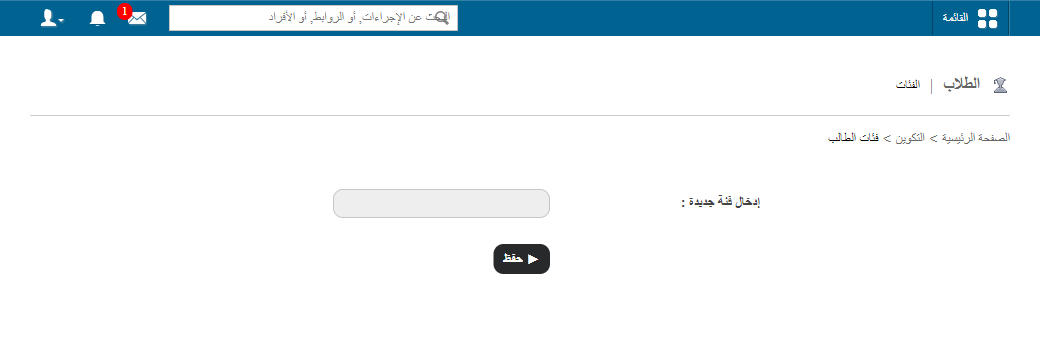
- Enter the category name and save.
Screenshot — to be added
public/images/articles/student-category-2.pngEdit and delete
Categories can be edited or deleted at any time using the Edit and Delete buttons next to each category.
Screenshot — to be added
public/images/articles/student-category-3.pngWas this article helpful?
Thanks for your feedback!