
Attendance settings
Customise absence and late statuses, choose how attendance is calculated, and lock attendance after a set period.
Before marking attendance, you can customise how it works on the Attendance Settings page: Menu → Academics → Attendance → Attendance Settings.
1. Custom attendance
Track late arrivals as well as absences, and rename the status labels and codes for absence and lateness.
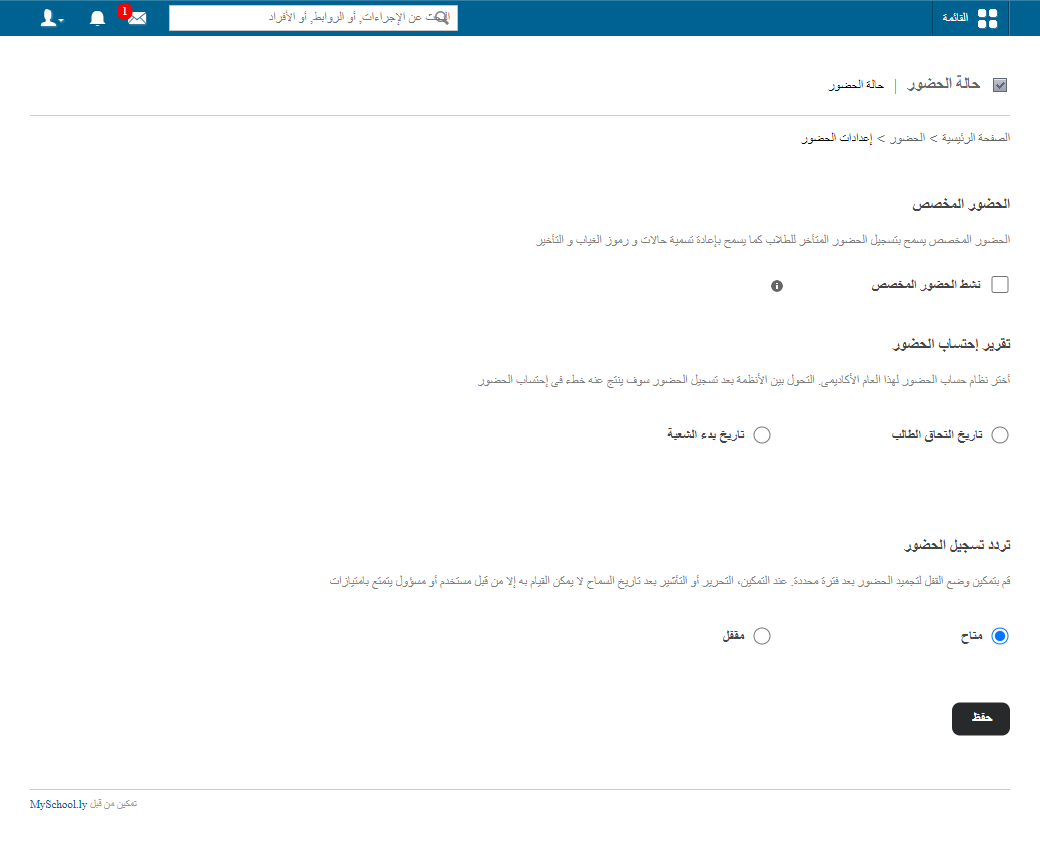
2. Attendance report calculation
Choose how attendance is calculated for the academic year.
Screenshot — to be added
public/images/articles/attendance-settings-2.png3. Attendance mark frequency
Turn on lock mode to freeze attendance automatically after a set period. After that, only administrators or privileged users can edit or mark attendance.
Screenshot — to be added
public/images/articles/attendance-settings-3.pngLearn more: How to lock attendance after a set period
Was this article helpful?
Thanks for your feedback!