
How to set the student attendance type for your institution
Choose daily or subject-wise attendance in General Settings.
Depending on how your institution marks attendance, choose one type:
- Daily: attendance is marked once a day.
- Subject-wise: attendance is marked for each class/period.
Steps
- Click Menu → Administration → Settings → General Settings.
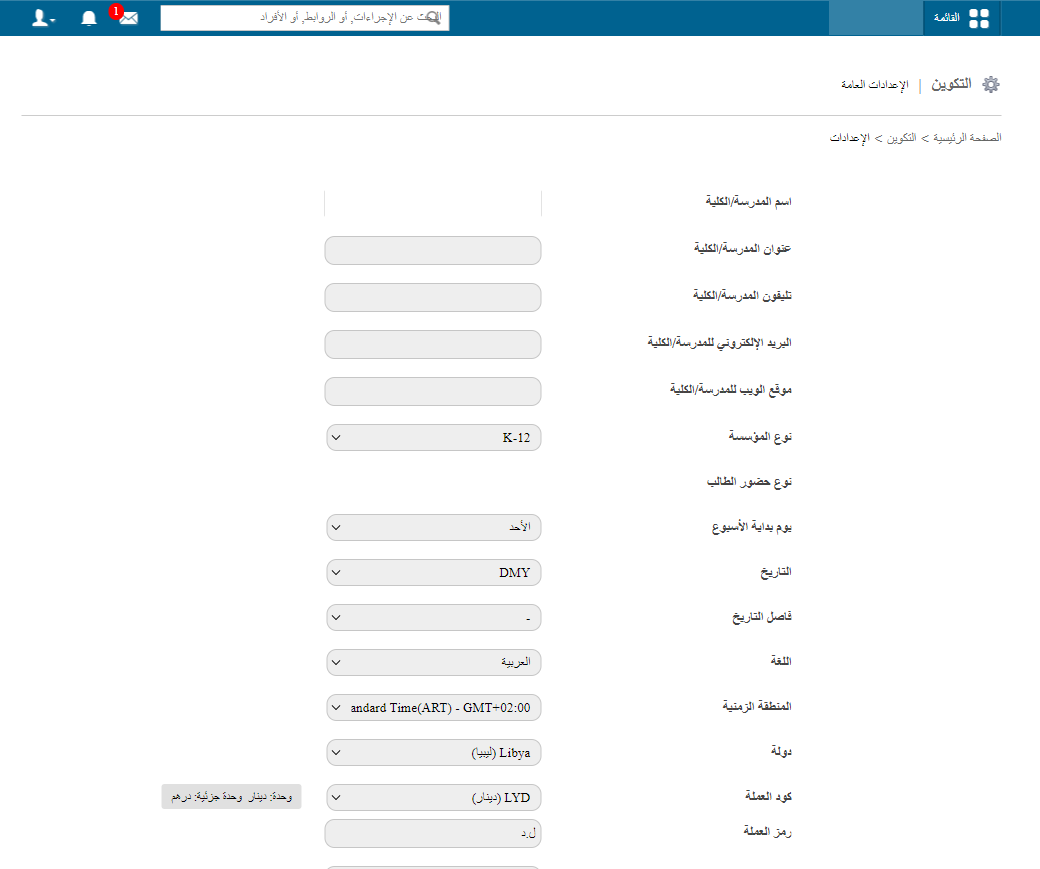
- Select the student attendance type and click Update.
Note: With subject-wise attendance, create a timetable for each batch before marking attendance.
Was this article helpful?
Thanks for your feedback!