
How to mark student attendance daily
Record absences each day from the Attendance Register, with the reason and session.
All students are present by default in myschool; you only mark absences.
Note: Absences can be marked for today or past dates only, never for future dates.
Steps
- Click Menu → Academics → Attendance → Attendance Register.
- Select the batch. Its students appear in a grid. Use Name or Roll number to sort.
Note: Subject teachers see only their assigned subjects; tutors see their assigned batches.
Today is highlighted yellow and days off are grey. Use the arrows at the top to see the previous month.

- Click the date against the absent student.
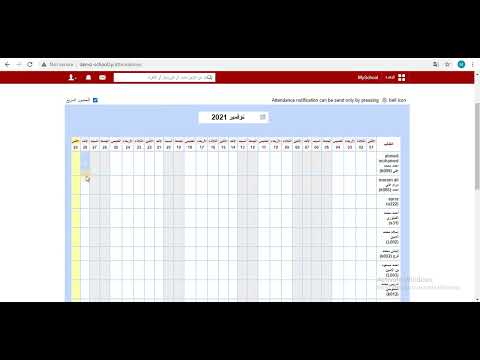
- Enter the reason for absence.
- Select the session (full day, forenoon, afternoon).
- Click Add. Absent days are marked with an ×.
Screenshot — to be added
public/images/articles/mark-daily-attendance-3.pngWas this article helpful?
Thanks for your feedback!