
How to set up class designations
Create class designations such as First Class or Distinction based on a student's overall percentage.
Class designations (for example, First Class, Second Class, Distinction) categorise students by their overall marks.
Go to Menu → Academics → Examination → Settings → Class Designations.
Create a class designation
-
Select the course you want to set up class designations for.
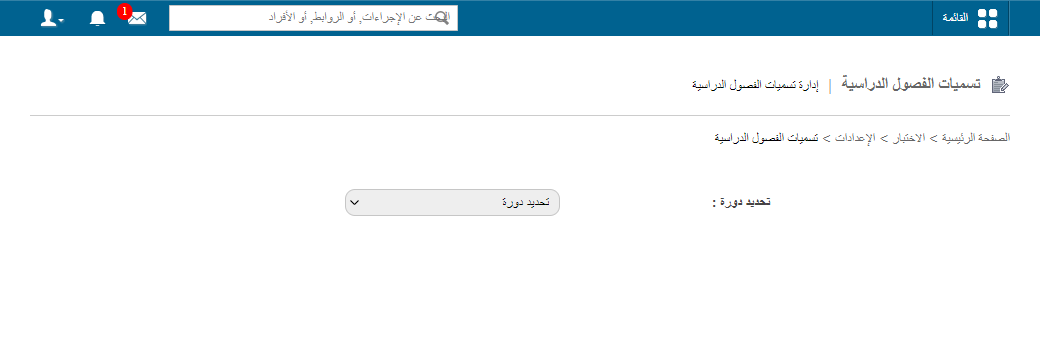
1Selecting a course -
In the Name field, enter the class designation name.
-
In the Marks (%) field, enter the minimum overall percentage a student needs to be placed in this class.
-
Click Create.
Screenshot — to be addedpublic/images/articles/cwa-class-designations-2.png2Creating a class designation
Edit or delete a class designation
- To change a class designation, click Edit.
- To remove a class designation, click Delete.
Walkthrough
Screenshot — to be added
public/images/articles/cwa-class-designations-3.pngWas this article helpful?
Thanks for your feedback!