
How to record and delete donations
Record donations and grants received by the institution, print receipts, and delete donation transactions.
Money received as a donation or grant is recorded as a donation transaction.
Record a donation
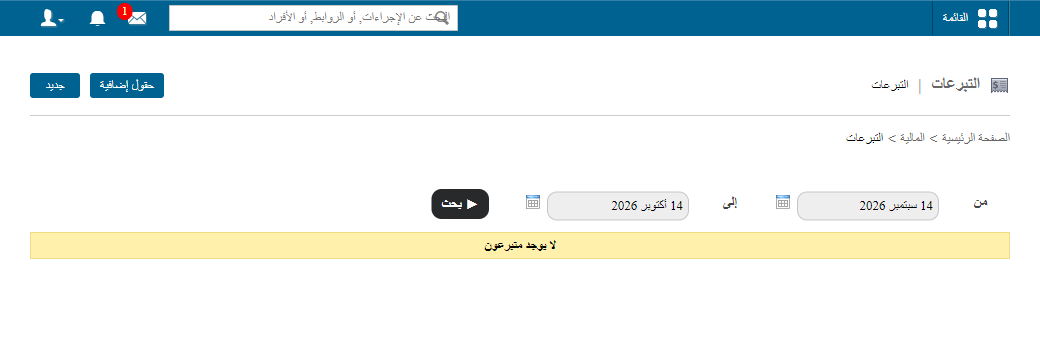
- Click Menu → Administration → Finance → Donations.
- Click New at the top.
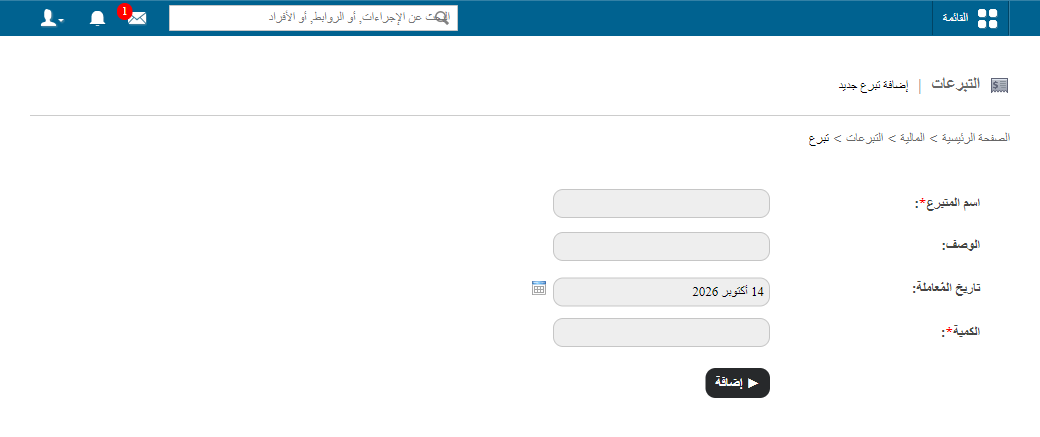
- Enter the donor name.
- Enter a short description.
- Select the transaction date.
- Enter the amount.
- Click Add.
- Click Print receipt to print the receipt.
Delete a donation
Note: Donation transactions can be deleted any time, but not edited.
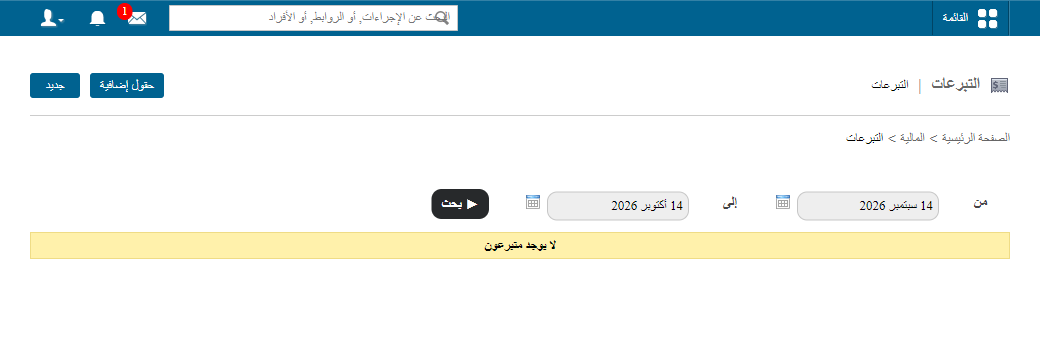
- On Donations, use the From and To fields to find the transaction.
- Click Delete.
Learn more: How to view donations for a period
Was this article helpful?
Thanks for your feedback!