
How to create, edit or delete finance categories
Create income and expense categories to classify transactions, and edit or delete them.
Finance categories classify the institution’s income and expense transactions.
Create a finance category
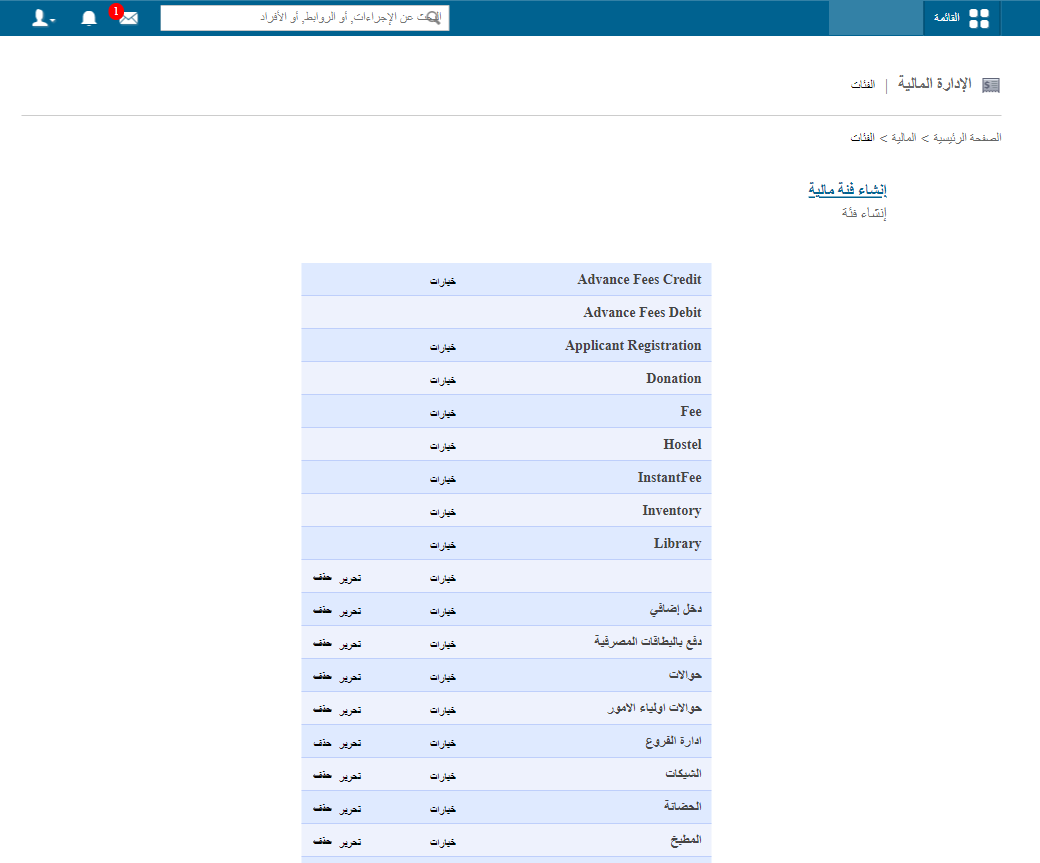
- Click Menu → Administration → Finance → Category. The default categories are listed.

- Click Create Finance Category.
- Enter the category name.
- Enter a short description.
- Tick Is this under income? for an income category; leave it unticked for an expense.
- Click Create.
Edit or delete a finance category
| Action | Condition |
|---|---|
| Edit | Any time. |
| Delete | Not possible if the category has been used in an income or expense transaction. |
Note: Default categories can’t be edited or deleted.
- Click Menu → Administration → Finance → Category. Custom categories are at the bottom of the list.
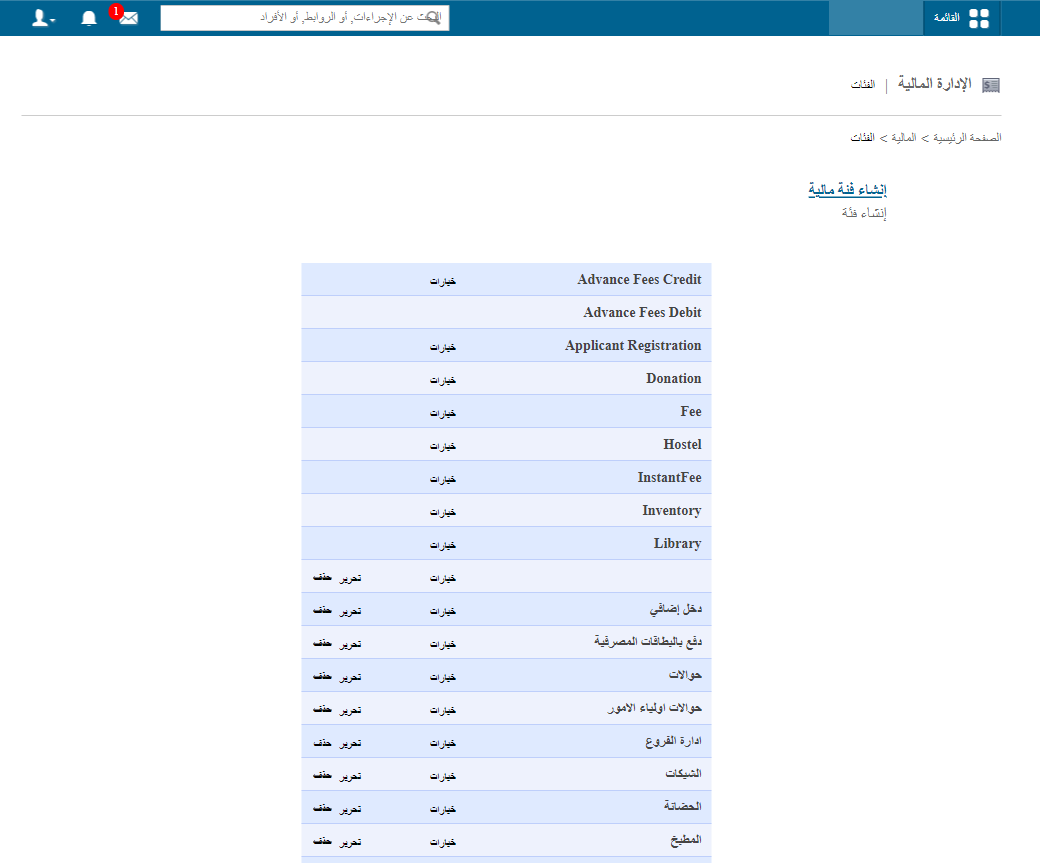
- Click Edit or Delete.
Was this article helpful?
Thanks for your feedback!