
How to record and delete income
Record money received by the institution, view it for a period, delete it and export a PDF report.
Create an income transaction whenever the institution receives money.
Record income
- Click Menu → Administration → Finance → Transactions → Add Income.
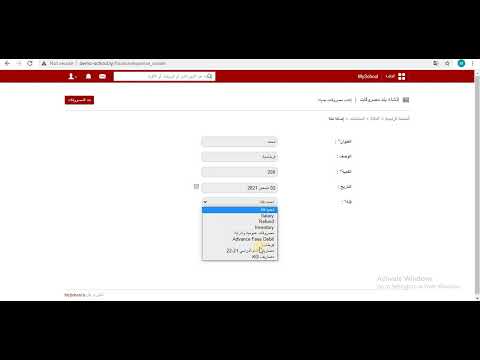
- Enter the title.
- Enter a short description.
- Enter the amount.
- Select the transaction date.
- Select the finance category.
- Click Save.
View and delete income
Income transactions can be deleted any time.
- On Add Income, click Incomes at the top.
- Select the start and end dates, then click OK.
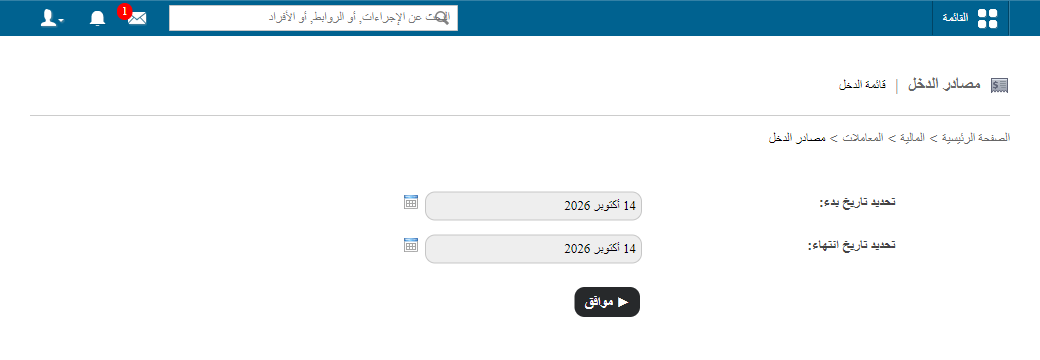
- All income is listed. Click Delete to remove a transaction.
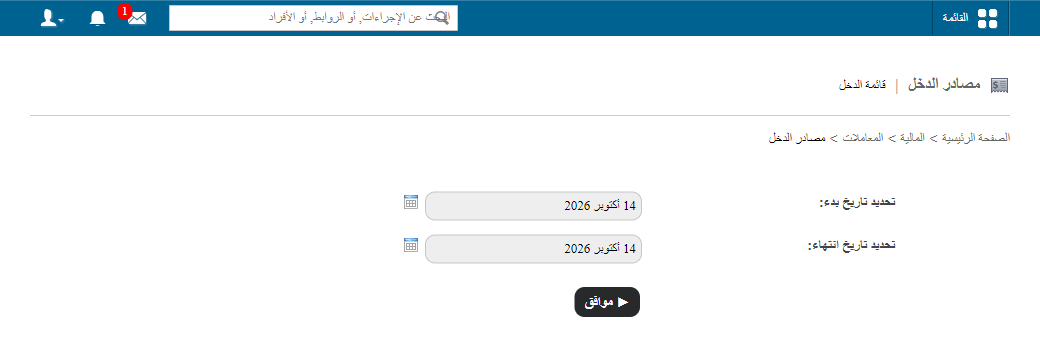
- Click PDF report at the top for a report of the income.
Was this article helpful?
Thanks for your feedback!