
How to edit a course
Change a course's name, code, grading system or elective settings.
The Administrator or an employee with the Manage Course/Batch privilege can edit a course at any time.
- Go to Menu → Administration → Settings → Manage Course/Batch → Manage Course. All courses are listed.
- Click Edit next to the course.
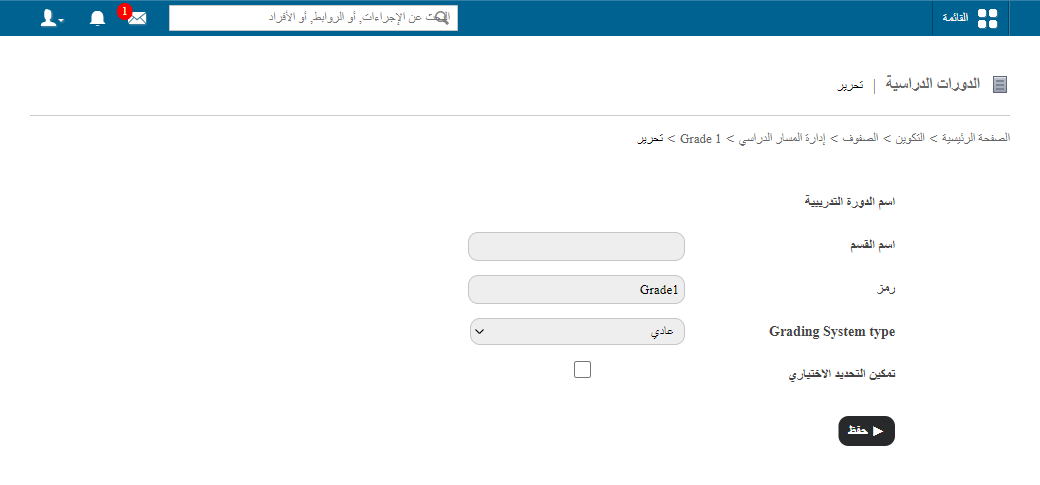
- Update the details, such as:
- Course name
- Section name
- Course code
- Grading system type
- Elective subject settings
- Click Save.
Was this article helpful?
Thanks for your feedback!