
How to delete a course
Delete a course you no longer need, and the order to remove its linked data first.
The Administrator or an employee with the Manage Course/Batch privilege can delete a course that is no longer needed.
Steps
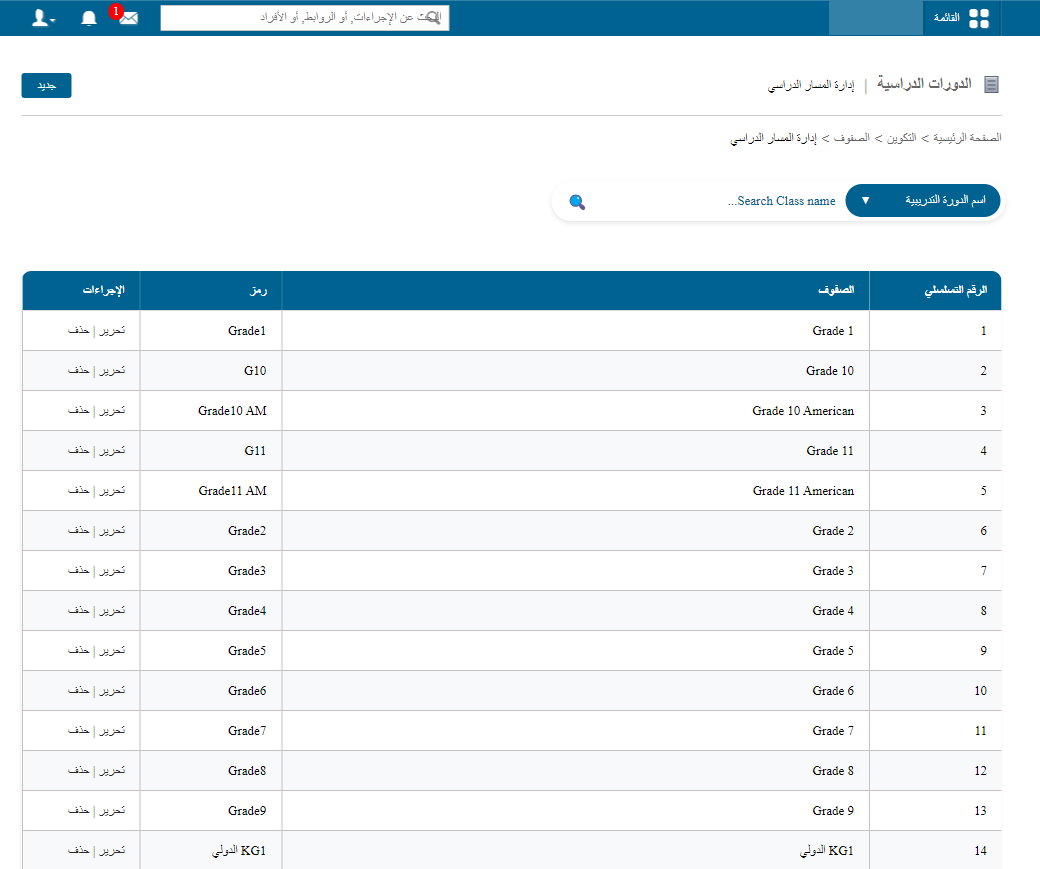
- Go to Menu → Administration → Settings → Manage Course/Batch → Manage Course.
- Click Delete next to the course.
- Click OK to confirm.
Order to follow before deleting
A course with linked data cannot be deleted. Follow this order:
Remove exams → Remove students → Remove subjects → Remove batches → Delete course
Warning: Deleting a course is permanent and may affect related academic records. Review all data before continuing.
Was this article helpful?
Thanks for your feedback!