
Fee receipts list
View all fee receipts and their details, search for them and print them.
The Fee Receipts page lists every receipt for payments by students, employees and guests — finance, hostel, transport, instant fees and online payments.
Path: Menu → Administration → Finance → Finance Reports → Fee Receipts
Who can view it: the administrator, or an employee with the Manage Fee, Revert Transaction or Fee Submission privilege.

Receipt details
| Field | Description |
|---|---|
| Receipt number | Click to print the receipt. |
| Payer name | The student or employee who paid. |
| Payer type | Employee, student or guest. |
| Batch / department | The student’s batch or employee’s department. |
| Collection | The collection paid; click to see its details. |
| Payment date | When the payment was made. |
| Amount | Total paid. |
| Payment mode | Cash, online, cheque, DD or others. |
| Cashier | The employee who processed it. |
Change the date range
By default the page shows the last 30 days. You can choose the last 3 or 6 months, or a specific range: click Change date, set the range and click Search receipts.
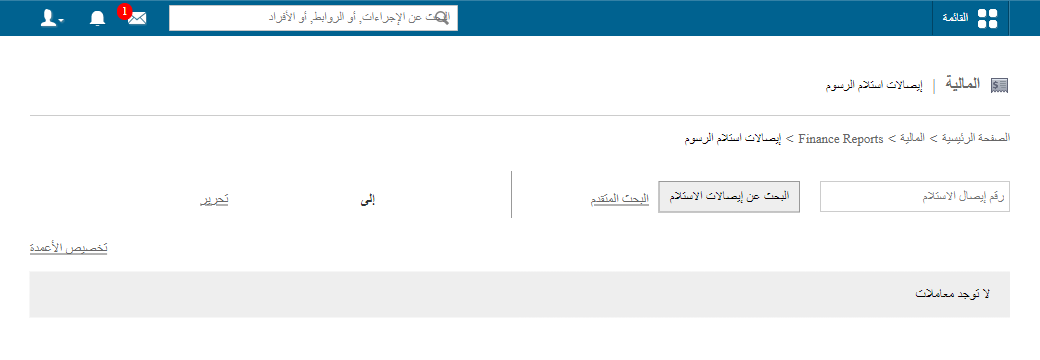
Search for a receipt
Enter the receipt number and click Search receipts.
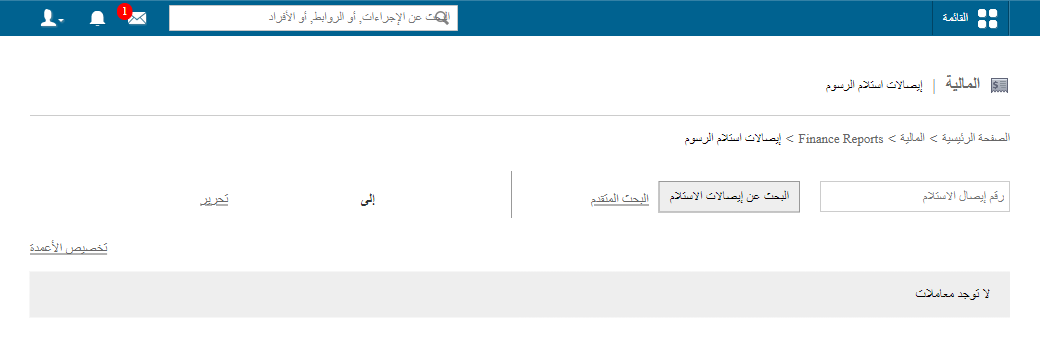
Advanced search
Use Advanced search to find a receipt faster by any of:
- Payment date range
- Collection name
- Payment mode and reference number
- Cashier’s name
- Payer type (student or employee) and name
Screenshot — to be added
public/images/articles/fee-receipts-list-4.pngWas this article helpful?
Thanks for your feedback!