
How to import previous batch subjects to the current batch
Save time by importing normal and elective subjects from an earlier batch of the same course.
Subjects under a course often stay the same across batches. Instead of adding them again, use Import Subjects to copy them from the first batch to the other batches in the same course.
Steps
Click Menu → Administration → Settings → Manage Course/Batch → Manage Course, or Manage Batch.
- Select the course. Its batches are displayed.
- Select the batch. Its students are displayed.
- In the top corner, click Manage → Subject to open the Subjects page.
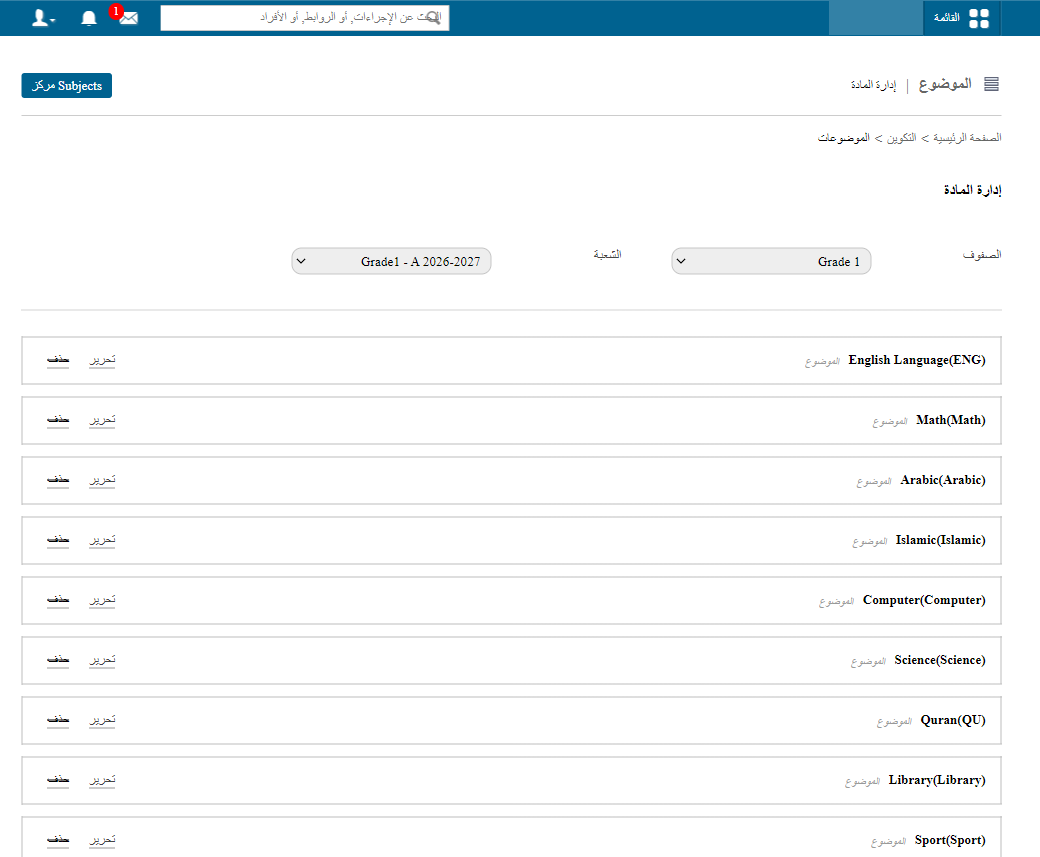
- Click Import subjects. The previous batch’s subjects (normal and elective) are displayed.
Screenshot — to be added
public/images/articles/import-batch-subjects-2.png- Select the subjects and click Import Subjects next to those you want in the current batch.
Was this article helpful?
Thanks for your feedback!