
How to edit or delete a book tag
Rename, review or delete the tags used to organise library books from the Manage Tags page.
Tags help organise books in the library. Books are tagged when they are added, and tags can be edited or deleted at any time.
Steps
-
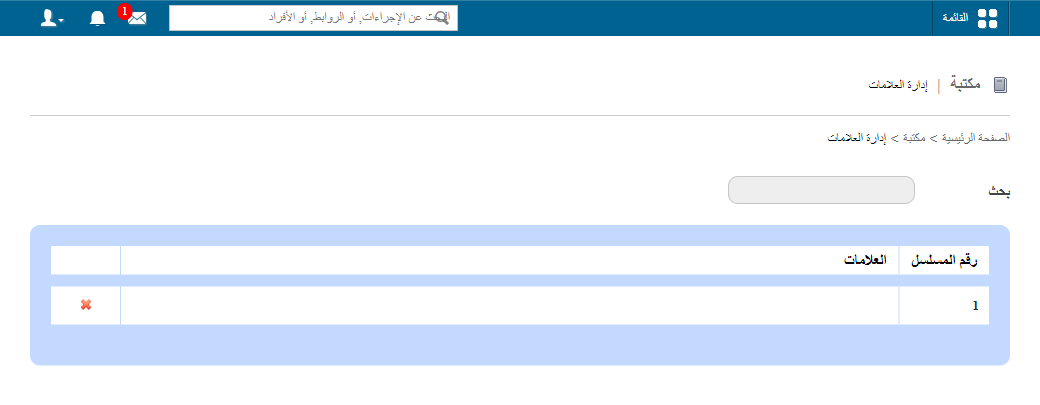
Go to Menu → Academics → Library → Manage Tags to open the Manage Tags page.
-
If there are many tags, use the Search field to find the tag you want.
-
To edit a tag, click the tag name.
Screenshot — to be addedpublic/images/articles/library-edit-delete-tag-1.png1Editing a tag -
To see all books with a particular tag, click Tagged Books.
Screenshot — to be addedpublic/images/articles/library-edit-delete-tag-2.png2Books with a tag -
To delete a tag, click the x icon next to it.
Screenshot — to be addedpublic/images/articles/library-edit-delete-tag-3.png3Delete tag icon
Related articles
Was this article helpful?
Thanks for your feedback!