
How to edit a book's barcode
Update the barcode of any library book at any time from the Manage Barcode page.
A book’s barcode can be edited at any time in the Library module.
Steps
-
Go to Menu → Academics → Library → Manage Barcode.
-
Enter a search keyword by Book Number, Title, Tag or Author.
-
Click Search.
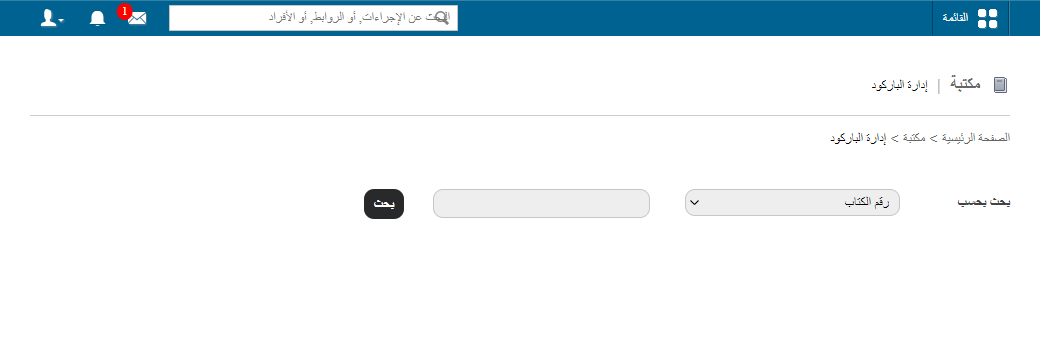
1Manage Barcode page -
Edit the barcode as needed.
-
Click Finish to save your changes.
Screenshot — to be added
public/images/articles/library-edit-barcode-2.pngRelated articles
Was this article helpful?
Thanks for your feedback!