
How to renew an issued book
Extend the due date of a borrowed library book from the Book Renewal page.
Steps
- Go to Menu → Academics → Library → Book Renewal.
- In the Book Number/Barcode field, enter the book number or scan the barcode, then click Search.
- Click the book’s title in the search results. The borrowed book’s details are displayed.
- Change the due date as needed.
- Click Renew.
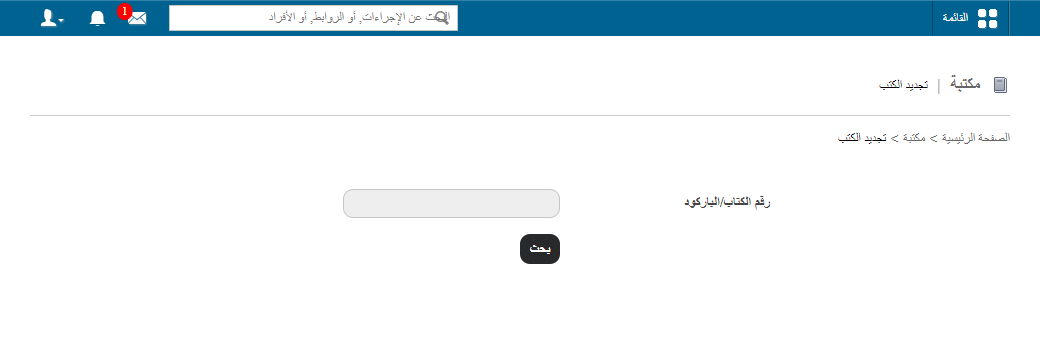
Screenshot — to be added
public/images/articles/library-renew-book-2.pngScreenshot — to be added
public/images/articles/library-renew-book-3.pngRelated articles
Was this article helpful?
Thanks for your feedback!