
How to return a book
Record the return of a borrowed library book and optionally charge a fine to students for late returns.
Steps
-
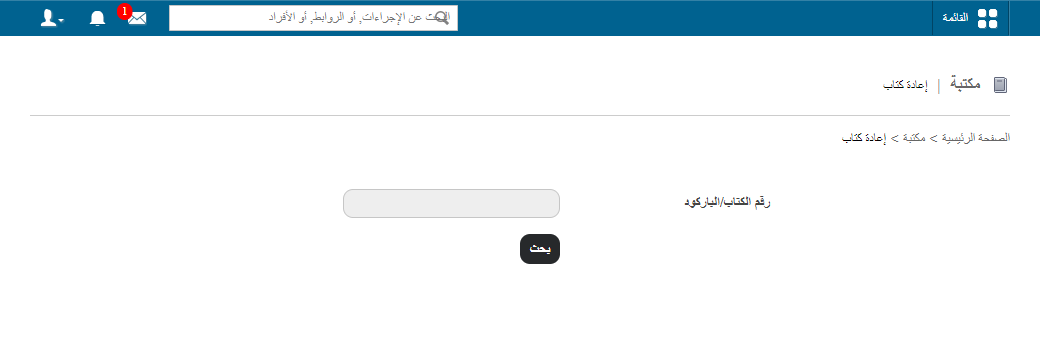
Go to Menu → Academics → Library → Return Book.
-
In the Book Number/Barcode field, enter the book number or scan the barcode, then click Search.
-
Click the book title to display the borrowed book’s details.
1Borrowed book details -
(Optional) If the book is returned after its due date, enter a fine amount in the fine field.
Note: Fines apply to students only, not employees. All collected fines can be viewed and reverted from the Library Fines page.
-
Click Return.
Screenshot — to be added
public/images/articles/library-return-book-2.pngRelated articles
Was this article helpful?
Thanks for your feedback!