
How can I view or revert library fines?
View students' paid library fines by payer and date range on the Library fines page, and revert them if needed.
All fines paid by students can be viewed and reverted from the Library fines page.
Steps
-
Go to Menu → Academics → Library → Library fines.
-
In the Payer field, enter the student’s name, then choose a date range. The matching library fine transactions are shown.
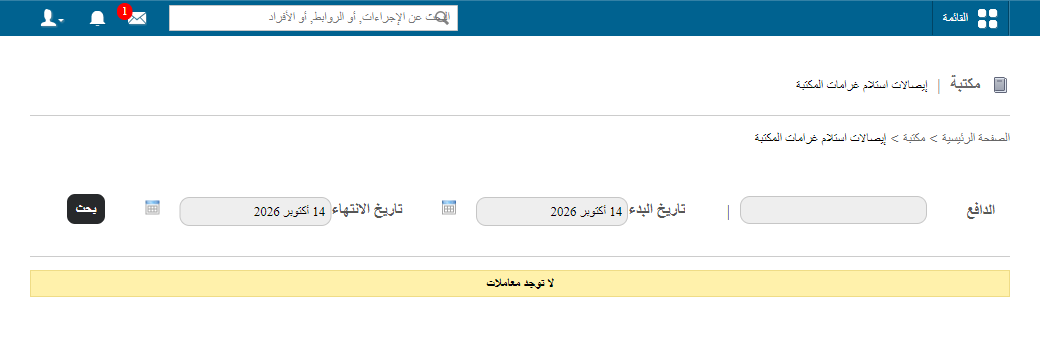
1Payer field and date range on the Library fines page -
To revert a fine, click the x icon next to it.
Reverted library fines appear on the Reverted transactions page in the Finance module (Menu → Administration → Finance → Transactions → Reverted transactions). See Reverted transactions.
Note: Reverted library fines can be viewed by the administrator and by employees with the Revert Transaction privilege.
public/images/articles/library-revert-view-fines-2.pngWas this article helpful?
Thanks for your feedback!