
How to mark employee absence
Mark an employee absent in the attendance register when they forget to apply for leave or have used their balance.
The employee attendance register is used to:
- See attendance for each department’s employees.
- Mark an absence when an employee forgot to apply for leave.
- Record an additional leave when the employee has used up their balance.
Who can do this: admins or employees with the Employee Attendance privilege.
Steps
- Click Menu → Administration → Human Resource → Employee Leave Management → Attendance Register.
- Select the department; its employees are listed.
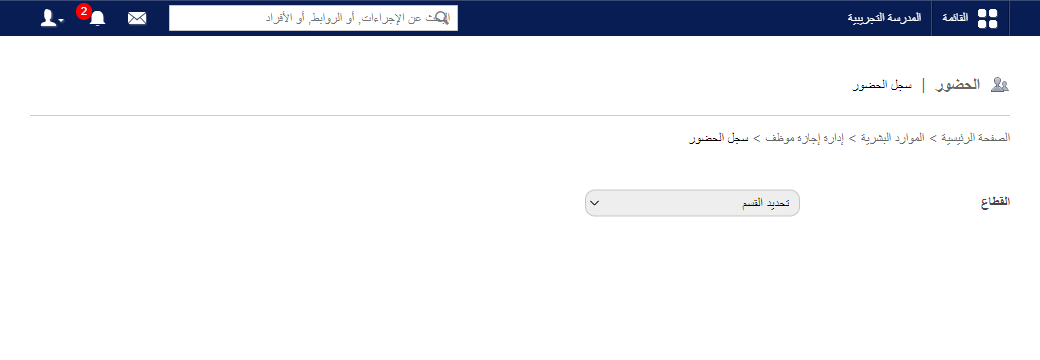
- Select the date of absence.
Screenshot — to be added
public/images/articles/mark-employee-attendance-2.png- Select the leave type.
- Tick Half Day for a partial absence, or leave it for a full day.
- Enter the reason.
- Click Submit, then OK.
Note: When an employee’s leave request is approved, an × appears in the register automatically.
Was this article helpful?
Thanks for your feedback!