
How does an employee apply for leave?
Apply for leave from the employee profile or the Leaves module and send it to the reporting manager.
Leave requests go to the employee’s reporting manager, who approves or denies them. You can apply from your profile or the Leaves module.
Open the leave application
Any of these:
- From your profile: click Leaves → Apply leave at the top.
- If you’re a manager: Menu → Academics → Leaves → Apply leave.
- If you’re not a manager: Menu → Academics → Apply leave.
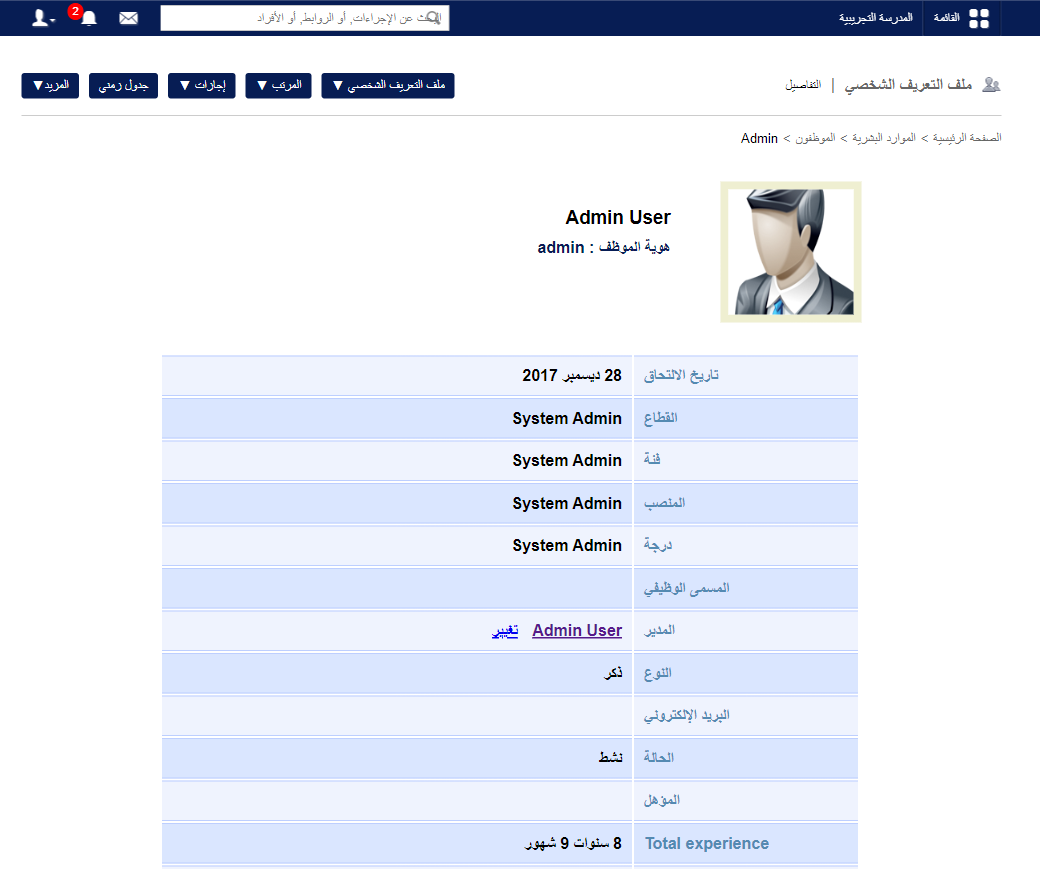
Submit the request
- Choose the leave duration: single day, multiple days or half day.
- Select the date or date range.
Note: You can’t choose a date that already has a leave application.
- Select the leave type.
Note: You’re told if it’s an additional leave (beyond your balance) and whether it’s deducted from salary.
- Enter the reason.
- Click Submit.
Learn more: How to check your leave request status
Was this article helpful?
Thanks for your feedback!