
How to check leave request status and leave history
Employees track their leave requests and status, and see leaves taken and available.
Employees track their leave on the My Leaves page, opened either way:
- From your profile: click Leaves → My Leaves.
- Or Menu → Academics → Leaves → My Leaves.
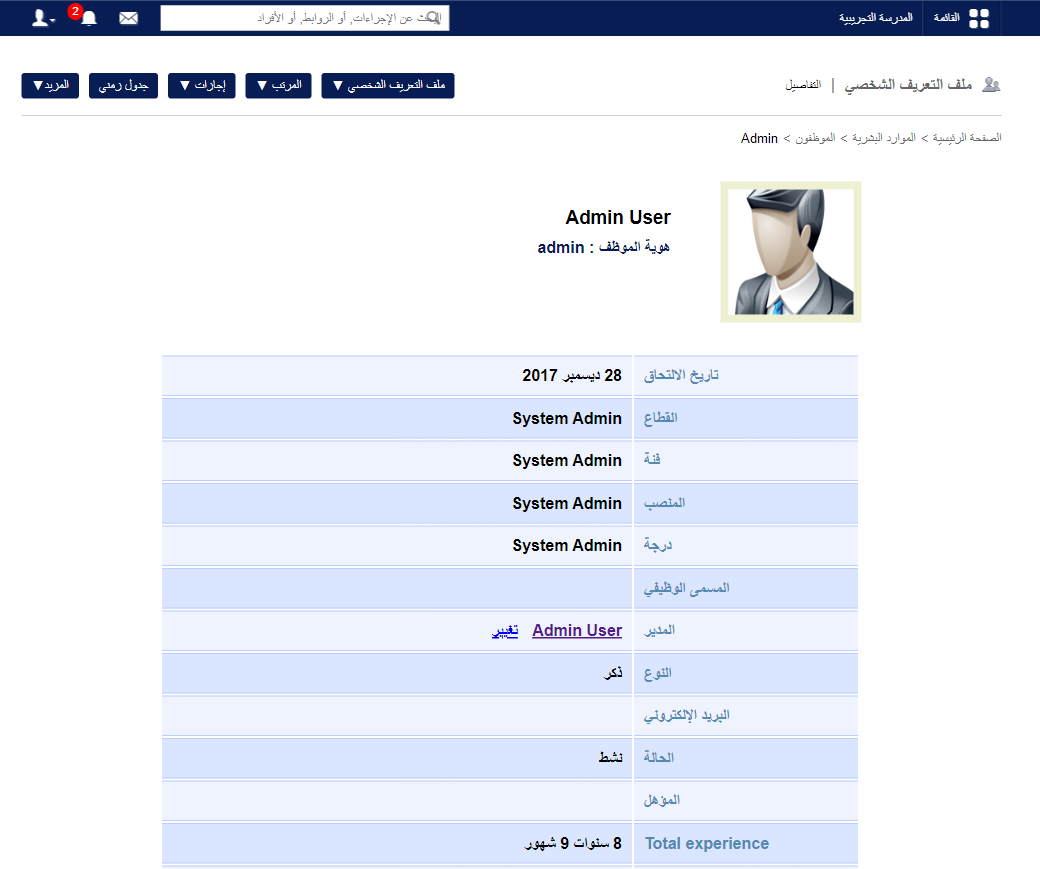
Leave history
Your full leave history appears, with leaves taken and available. Filter by leave type, criteria or date, and click a date to see that leave’s details.
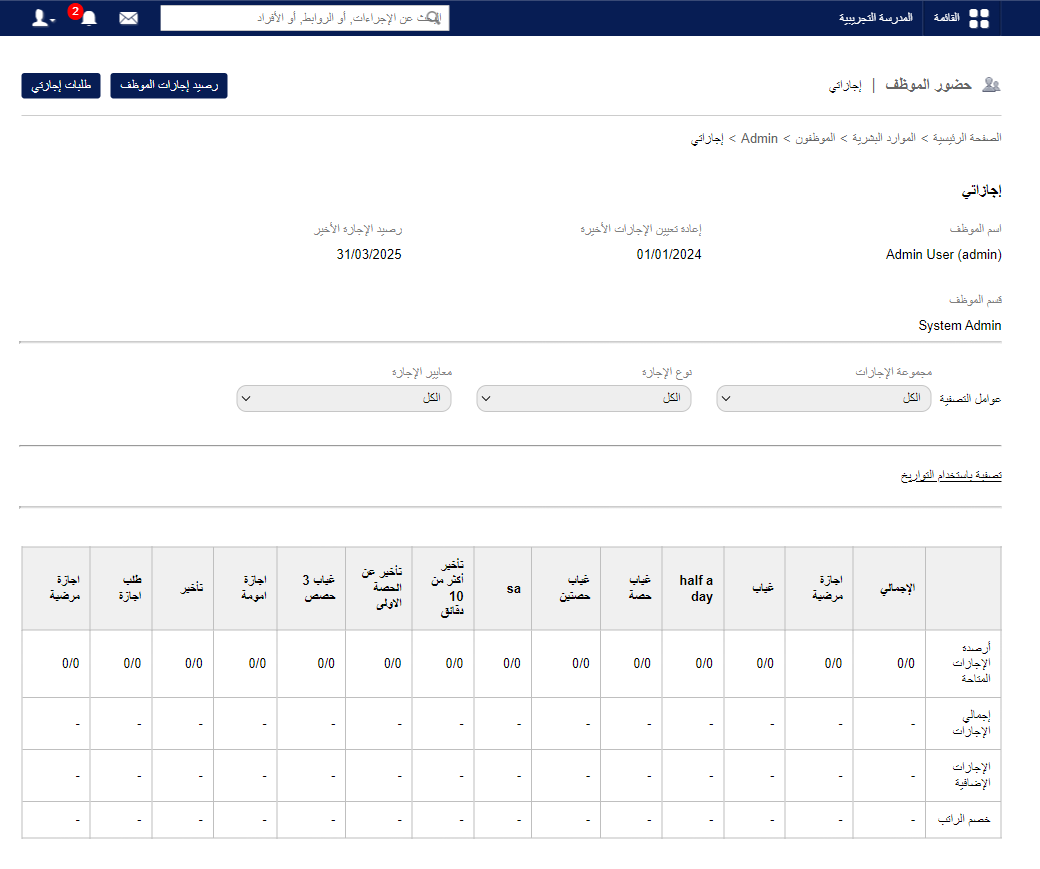
Request status
- Click My leave applications at the top. All requests since the last leave reset are listed with status Pending, Approved or Denied; filter by status.
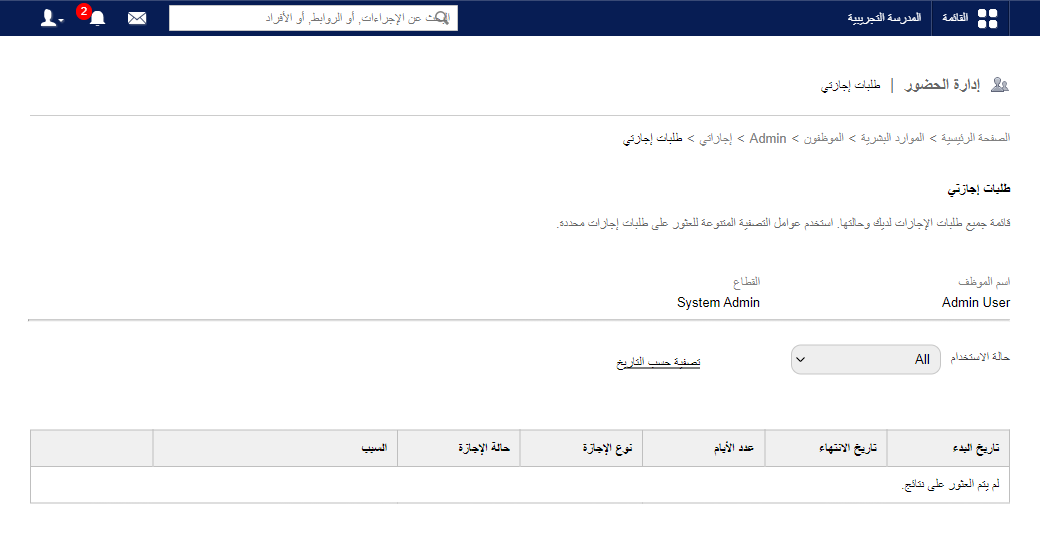
- Use the date filter for requests before the last reset.
- Click View next to a request for details.
Was this article helpful?
Thanks for your feedback!