
How to view student ranking per school
Rank all students in the institution by their total combined percentage and export it as PDF or CSV.
The Student Ranking per School report ranks all students in the institution by their total combined percentage.
-
Go to Menu → Academics → Examination → Reports center → Student Ranking per School.
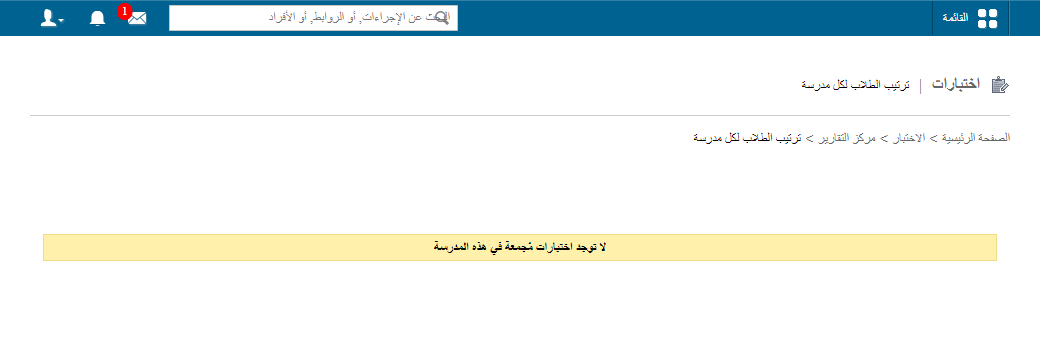
1Student ranking per school report -
In the top right, click PDF report to generate a PDF report, or CSV report to generate a CSV report.
Was this article helpful?
Thanks for your feedback!