
How to find the students of a particular batch
View all students in a selected batch from the Student Details page.
- Go to Menu → Academics → Students → Student Details.
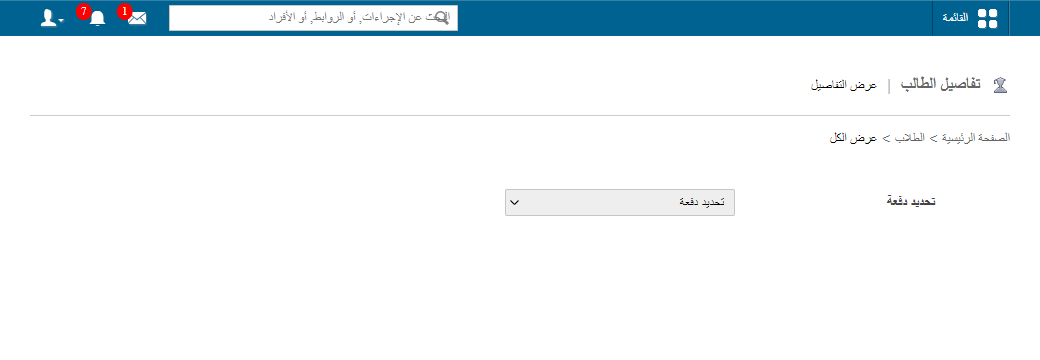
- Click View all at the top of the page.
- Select the batch. All its students are displayed.
- Click the name of the student whose profile you want to view.
Was this article helpful?
Thanks for your feedback!