
How to view a student's profile and reports
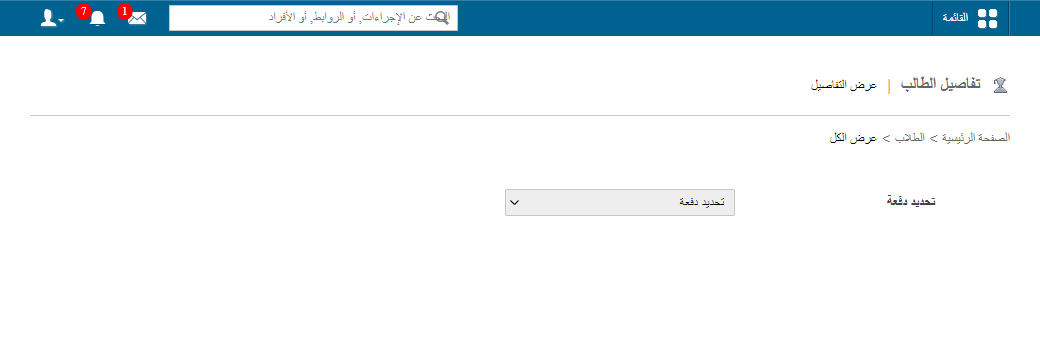
Open a student's profile and report page from the Student Details page.
- At the top of your dashboard, click Menu → Academics → Students → Student Details.
- Select Present students for active students, or Former students for archived records.
- In the Search field, enter the student’s first name, last name or admission number.
Note: Enter at least the first three letters of the name; all matching students are shown.
- Click the student’s name to open the Student Profile.
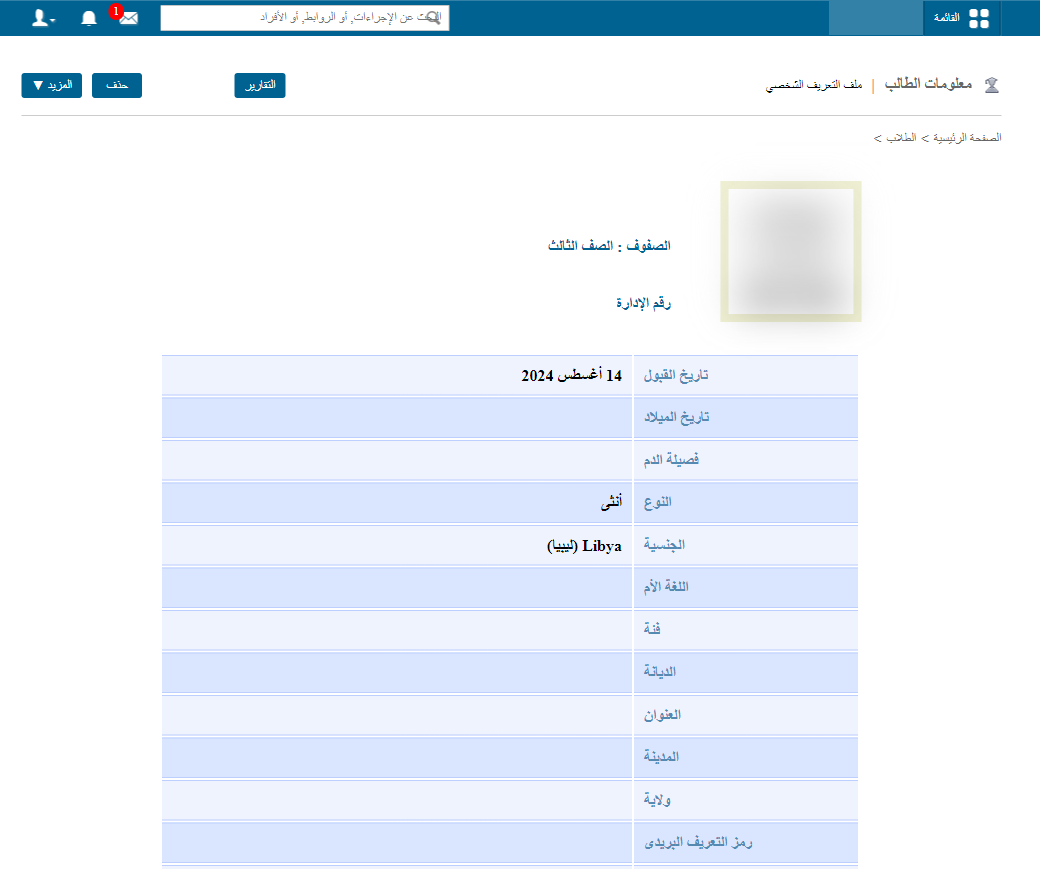
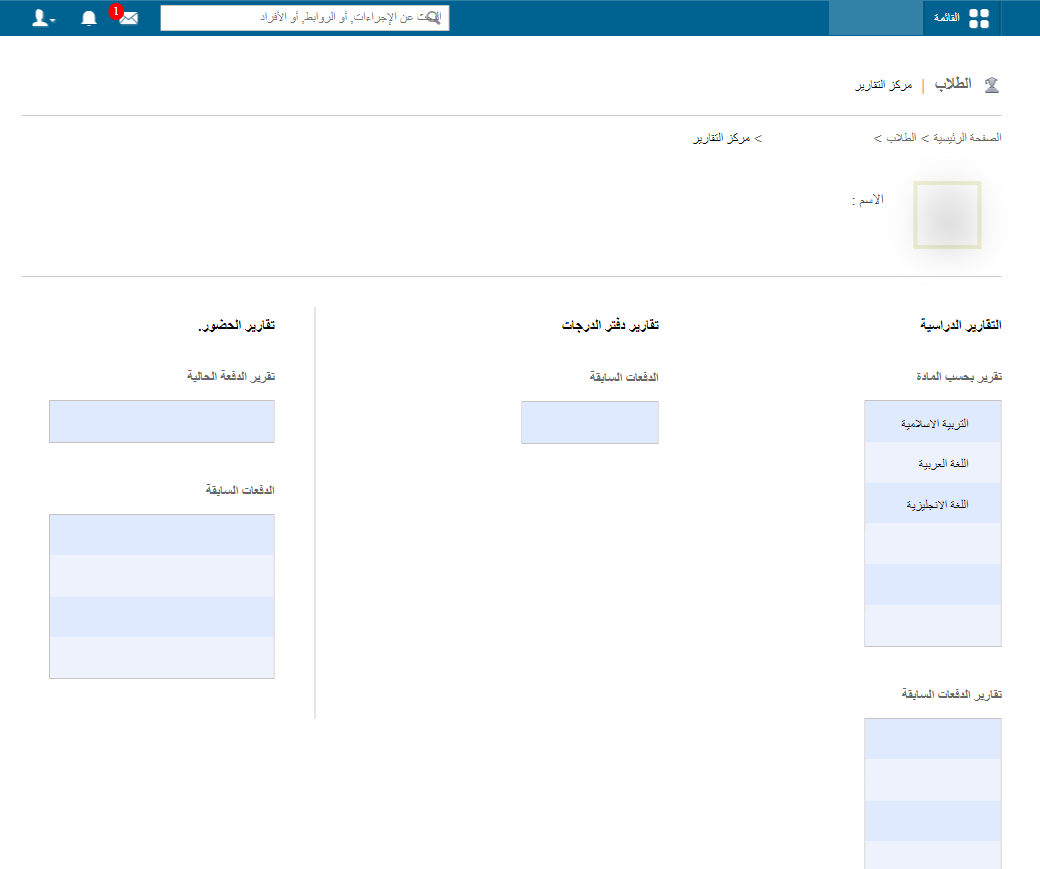
- Click the Report link to open the student’s report page.
Was this article helpful?
Thanks for your feedback!