
How to search for a student in myschool
Two ways to find a student — from the Student Details page or the global search bar.
Method 1: Student Details page
- Go to Menu → Academics → Students → Student Details.
- Choose Present students for active students or Former students for archived records.
- In the Search field, enter the first name, last name or admission number. Enter at least three letters; matching students appear automatically.
- Click the student’s name to open the profile.
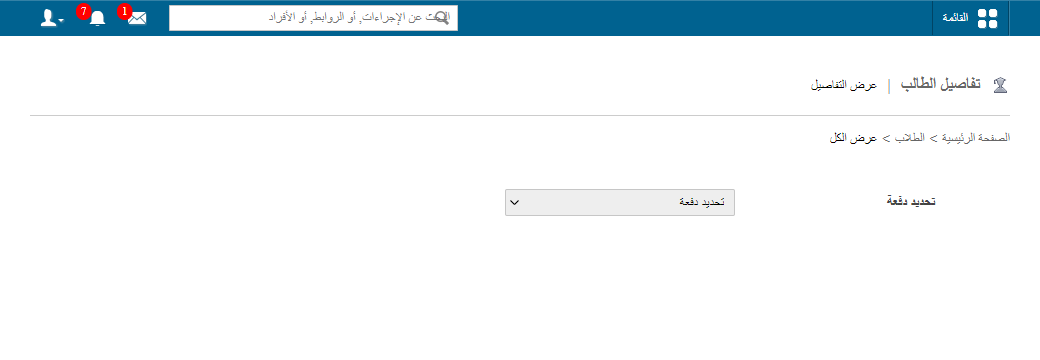
Method 2: Global search bar
Use the Search Actions, Links and People field at the top of the interface. Enter at least three letters of the student’s name, choose Search students from the dropdown, and click the name to open the profile.
Screenshot — to be added
public/images/articles/search-student-2.pngWas this article helpful?
Thanks for your feedback!