
How to add route additional details
Add extra fields, such as total distance or driver contact, that appear when you create a transport route.
Use Route Additional Details to add any extra information you want to record when creating a route.
Go to Menu → Administration → Transport → Settings → Route Additional Details → Add Details.
Examples of additional details
- Total distance
- Driver contact details
- Route remarks
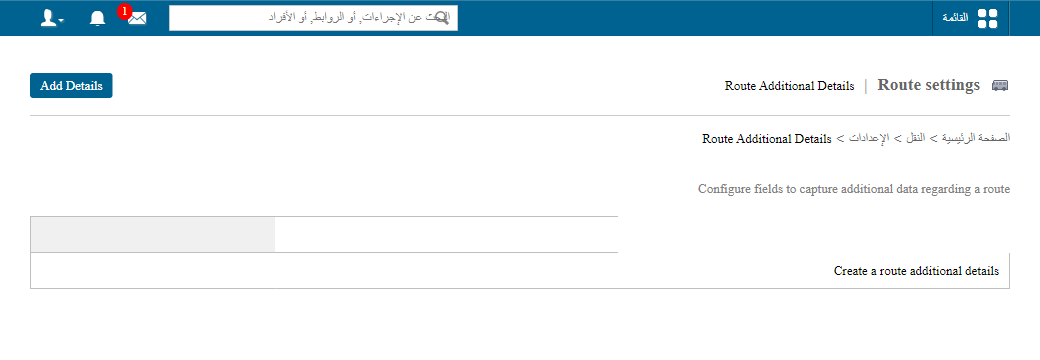
Where the fields appear
Once saved, these fields are shown on the form when you create a route.
Screenshot — to be added
public/images/articles/transport-route-additional-details-2.pngFor step-by-step instructions, see How to add custom fields to record route additional details.
Was this article helpful?
Thanks for your feedback!