
How to change the stop of a student or employee
Change the pickup or drop stop assigned to a student or employee from the Assign Transport page.
Go to Menu → Administration → Transport → Assign Transport.
Steps
-
Select the course and batch, then click the student’s or employee’s name.
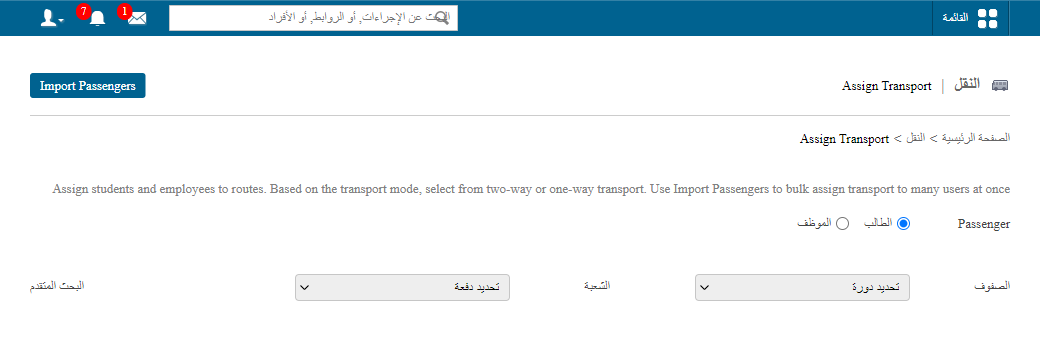
1Assign Transport page with course and batch selection -
Enter the new stop in the relevant fields.
-
Click Assign.
Screenshot — to be added
public/images/articles/transport-change-user-stop-2.pngWas this article helpful?
Thanks for your feedback!