
How can I search and view a user profile?
Find any employee or student on the Manage Users page and open their profile, password or privilege options.
Administrators, and employees with the Manage Users privilege, can search for users from the Manage Users page.
-
At the top of your dashboard, click the module access icon and go to Menu → Administration → User to open the Manage Users page.
-
In the Search user field, enter:
- For an employee: first name, last name or employee number.
- For a student: first name, last name or admission number.

1Video (Arabic): Search user field Watch on YouTube -
Click the name of the user whose profile you want to see.
Three options appear:
- Change password
- View profile
- Edit privileges
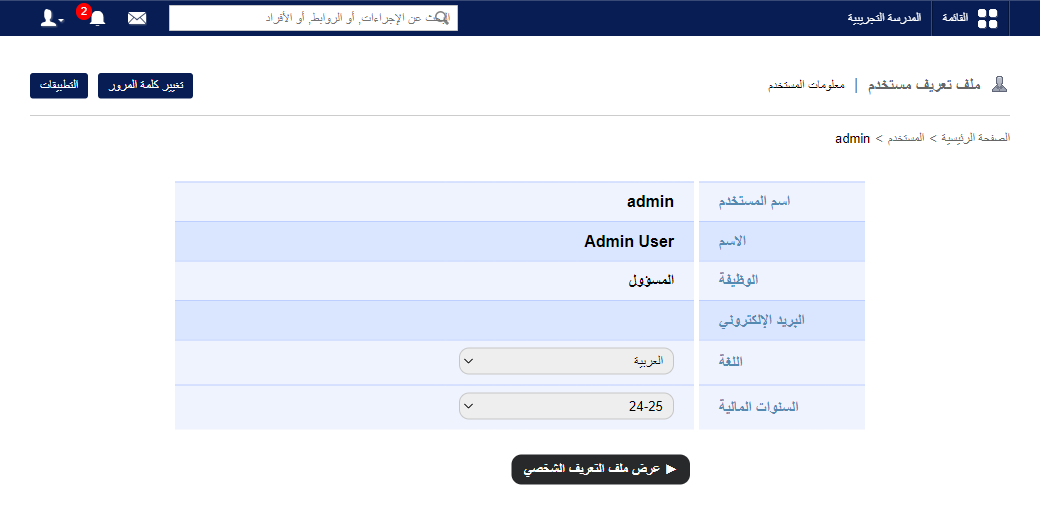
Screenshot — to be added
public/images/articles/user-search-profile-3.pngRelated articles
Was this article helpful?
Thanks for your feedback!