
Managing employee categories
Create employee categories such as teaching and administrative staff, and edit, deactivate or delete them.
An institution may group staff into teaching staff, non-teaching staff, security staff or contract staff. Employee categories distinguish them when they are admitted.
Create a category
- Click Menu → Administration → Human Resource → Settings → Add Employee Category.
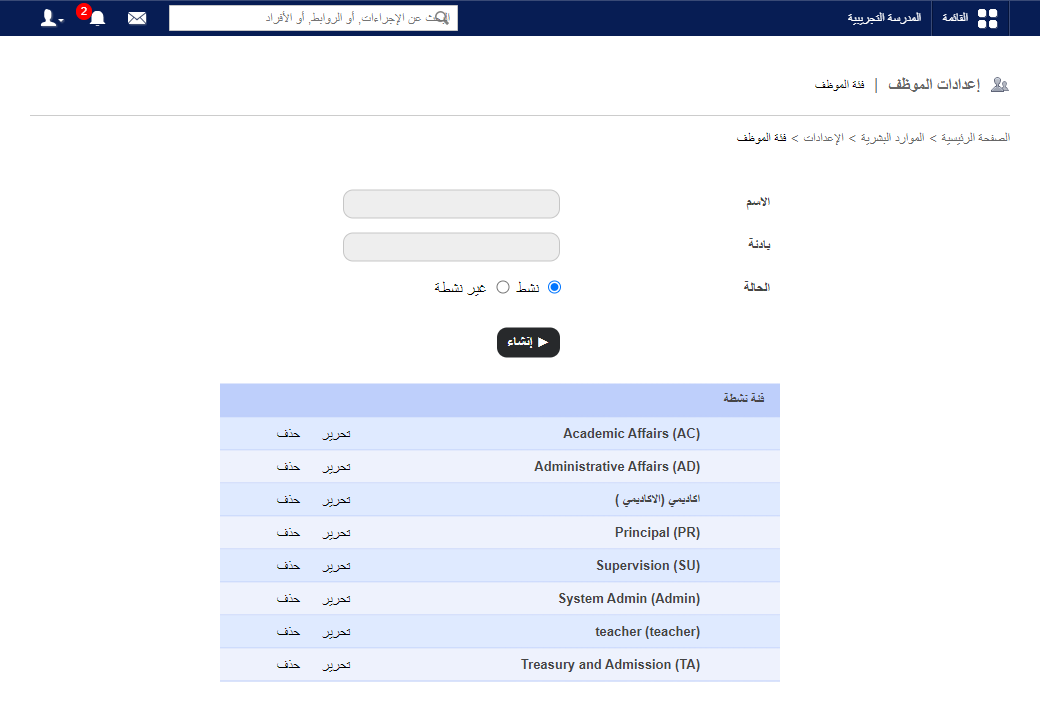
- Enter the name.
- Enter the prefix (category code).
- Choose the status:
- Active: shown on the admission form and assignable.
- Inactive: hidden from the form.
- Click Create.
Edit, deactivate or delete
Note: A category assigned to an employee can’t be deactivated or deleted.
- On the same page, click Edit, choose Inactive to deactivate, and click Update. It moves to Inactive Category.
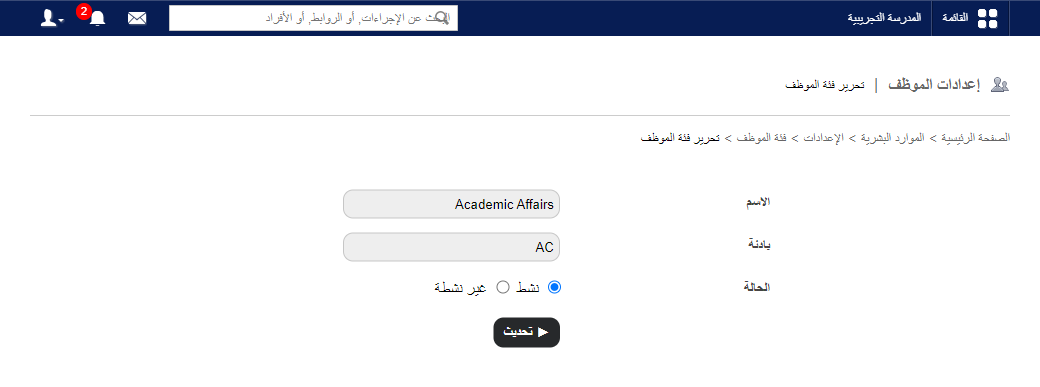
- Click Delete to remove a category.
Was this article helpful?
Thanks for your feedback!