
How to add hostels
Add a hostel, choose its type (boys, girls or common) and record any additional information.
A hostel can be one of three types:
- Gents: can be allocated only to male students.
- Ladies: can be allocated only to female students.
- Common: can be allocated to both male and female students.
Steps
Go to Menu → Administration → Hostel → Hostel to open the Hostel Details page.
-
In the top right, click Add hostel to open the Add hostel page.
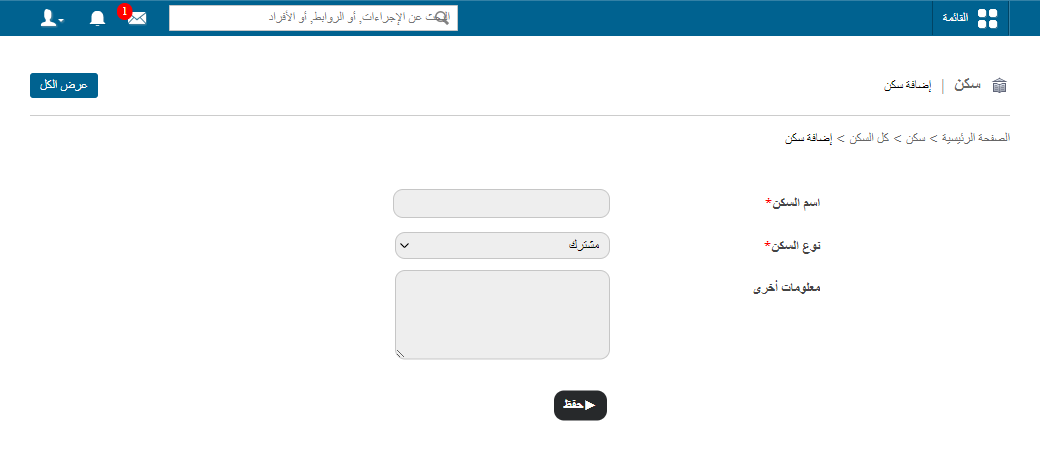
1Add hostel page -
In the Hostel Name field, enter the name of the hostel.
-
In the Hostel Type field, select Gents, Ladies or Common.
-
In the Other Information field, enter any additional information about the hostel.
-
Click Save.
Screenshot — to be added
public/images/articles/hostel-add-hostels-2.pngNext steps
Was this article helpful?
Thanks for your feedback!