
How to edit or delete hostel details
Edit a hostel's details at any time, or delete a hostel that has no students allocated to its rooms.
You can edit hostel details at any time.
Note: A hostel can be deleted only if no students have been allocated to any of its rooms.
Steps
-
Go to Menu → Administration → Hostel → All Hostels to open the Hostel Details page.
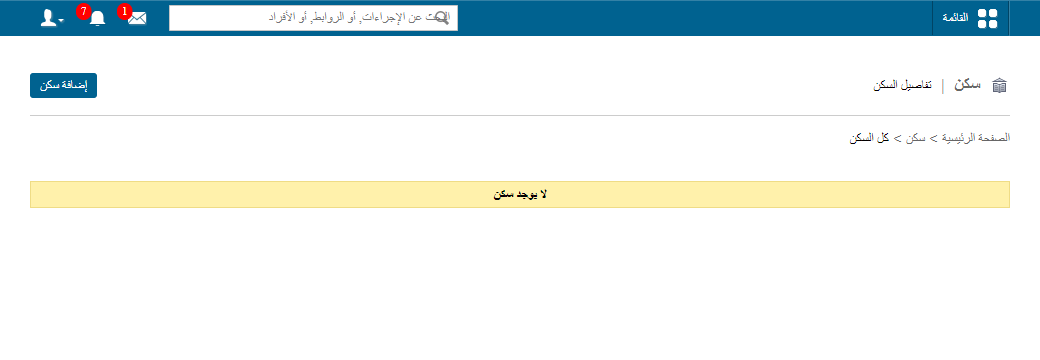
1Hostel Details page -
Click Edit beside a hostel to change its details, or click Delete to remove it.
Related articles
Was this article helpful?
Thanks for your feedback!