
How to allocate students to a hostel
Search for a student, choose a hostel that matches their gender and allocate them to an available room.
Steps
-
Go to Menu → Administration → Hostel → Room Allocation.
-
Enter the student’s name or admission number to search for the student.
Note: Students who have already been allocated a room do not appear in the search.
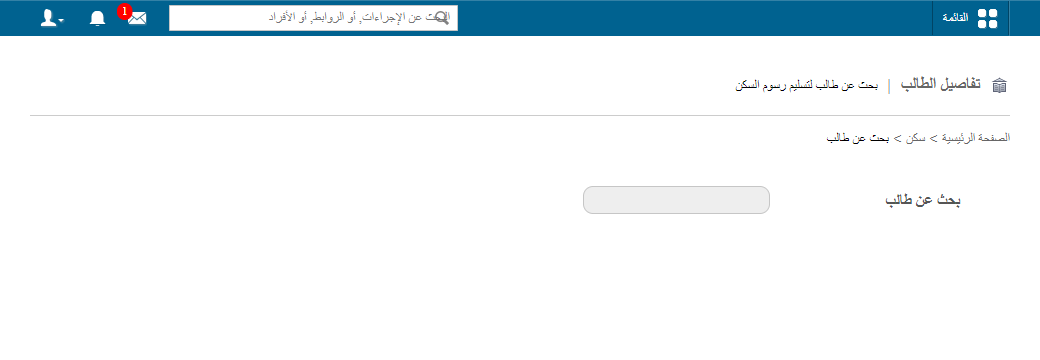
1Searching for a student to allocate a room -
Click the student’s name.
-
Select a hostel.
Note: The hostels listed depend on the student’s gender. For example, a male student sees Gents and Common hostels only.
Screenshot — to be addedpublic/images/articles/hostel-allocate-students-2.png2Selecting a hostel for the student -
Click Allocate beside the room you want to allocate to the student.
Next steps
Was this article helpful?
Thanks for your feedback!