
How to view the hostel room details report
See each hostel's type, available and occupied rooms and allotted students, and export the report as CSV.
The Room details report shows, for each hostel, the hostel type, the number of rooms available, the number of rooms occupied, and the names of the students allotted to each room.
Steps
-
Go to Menu → Administration → Hostel → Report to open the Room details report.
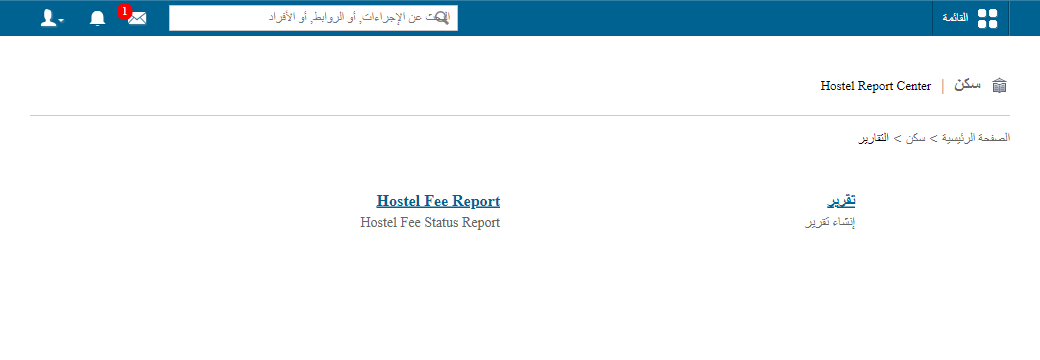
1Opening the Room details report -
Click any item in the table to view more details about the hostel.
-
Click Export as CSV to export the report to a CSV file.
Related articles
Was this article helpful?
Thanks for your feedback!