
How to view students who have not paid hostel fees
List hostel fee defaulters by batch and fee collection, and collect their payments one by one.
If a student has not paid the assigned fees by the fee collection’s due date, the student is listed as a fee defaulter.
Steps
-
Go to Menu → Administration → Hostel → Hostel fee defaulters to open the View hostel fee defaulters page.
-
Select a batch and a fee collection. All fee defaulters are listed.
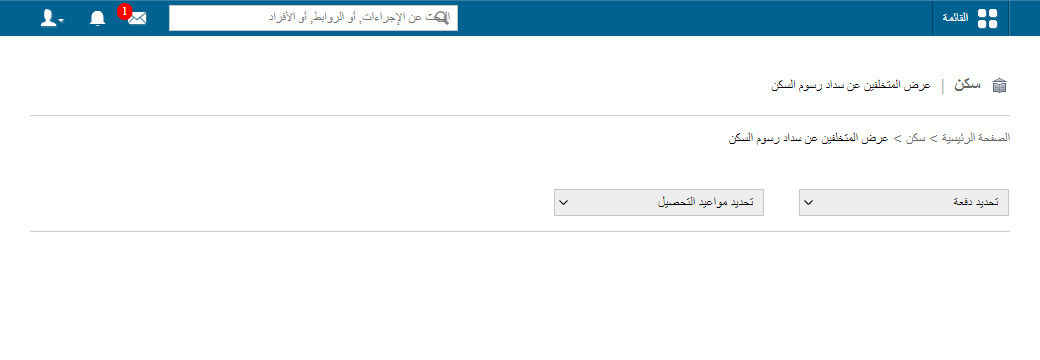
1Hostel fee defaulters page -
To collect the fees, select each student in the top left, or use the arrow icons to move to the next student.
Screenshot — to be addedpublic/images/articles/hostel-fee-defaulters-2.png2Collecting fees from hostel fee defaulters
Related articles
Was this article helpful?
Thanks for your feedback!