
Managing assets
Record institution assets such as land, buildings and equipment, and edit, deactivate or delete them.
An asset is something the institution owns, such as land, buildings or equipment.
Add an asset
- Click Menu → Administration → Finance → Asset Liability Management → Asset.
- Click Create.
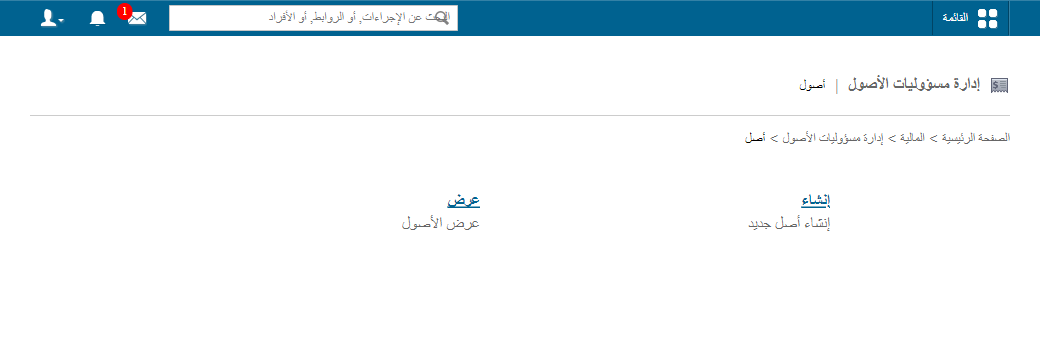
- Enter the title (asset name).
- Enter a short description.
- Enter the amount.
- Click Save.
View, edit and delete assets
- On Assets, click View.
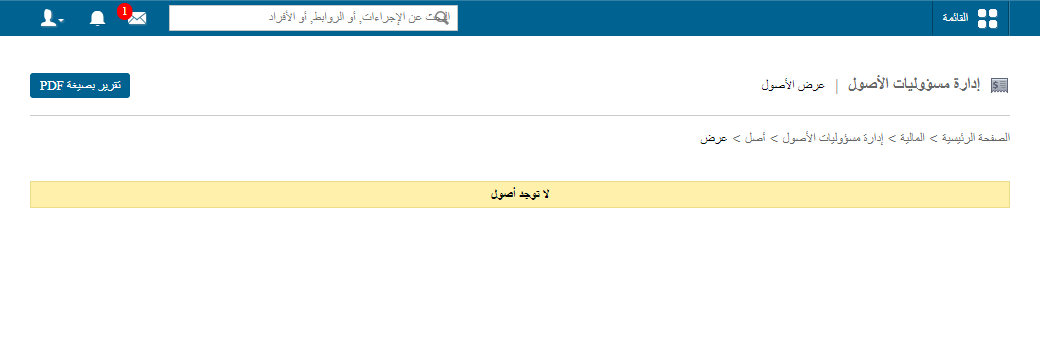
- Click PDF report at the top for a report.
- Click Edit to change an asset. To deactivate it, tick Make Asset Inactive?; the record turns grey.
Screenshot — to be added
public/images/articles/manage-assets-3.png- Click Delete to remove it.
Was this article helpful?
Thanks for your feedback!