
Managing liabilities
Record what the institution owes — money or services — and edit, settle or delete liabilities.
Liabilities are what the institution owes — money or a service that must be performed.
Add a liability
- Click Menu → Administration → Finance → Asset Liability Management → Liability.
- Click Create.
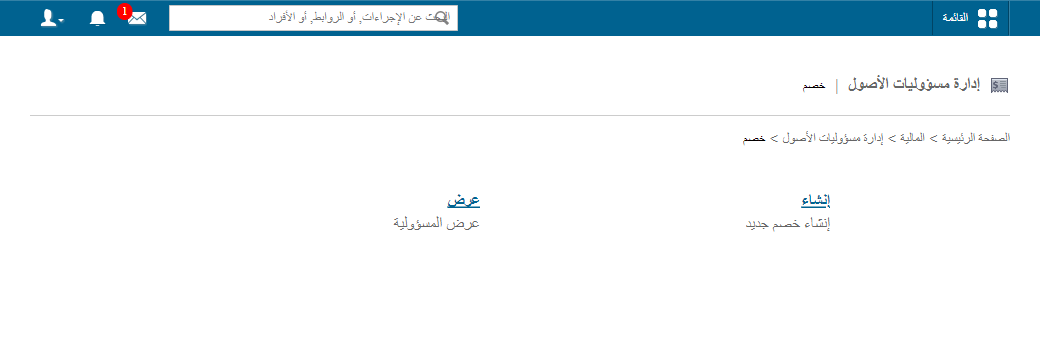
- Enter the title.
- Enter a short description.
- Enter the amount.
- Click Save.
View, edit and delete liabilities
- On Liability, click View.
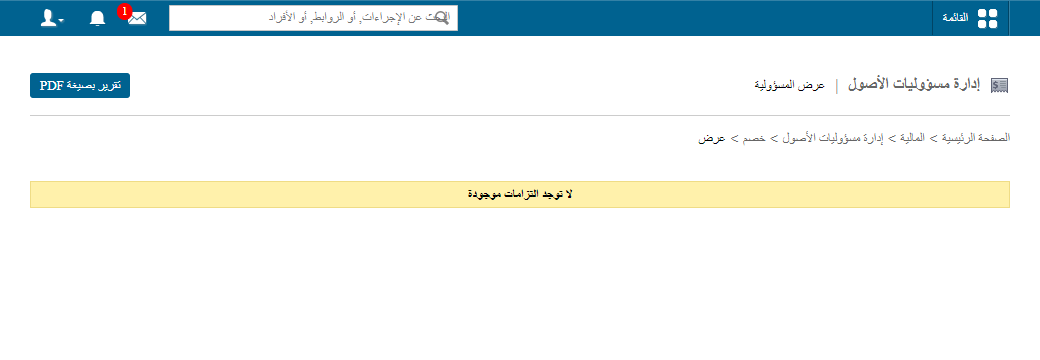
- Click PDF report at the top for a report.
- Click Edit to change a liability. To settle and close it, tick Solve this liability?; the record turns grey.
Screenshot — to be added
public/images/articles/manage-liabilities-3.png- Click Delete to remove it.
Was this article helpful?
Thanks for your feedback!