
How to swap a class when a teacher is unavailable
Replace a class with another class or a substitute teacher when the teacher can't attend.
If a teacher can’t take a class, you can swap it with another class and teacher, or swap only the teacher.
- Click Menu → Academics → Timetable → Timetable Tracker → Swap Timetable.
- Select the batch and date.
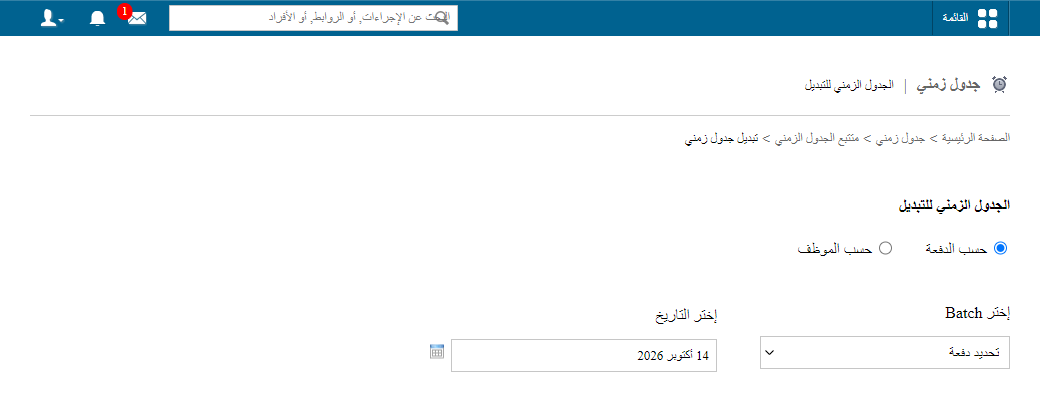
- Click Change next to the class.
Screenshot — to be added
public/images/articles/swap-timetable-2.png- Select the department, substitute teacher and subject.
- Click OK.
Screenshot — to be added
public/images/articles/swap-timetable-3.pngNote: When a class is changed or cancelled, students, parents and teachers are notified. See Timetable swap and cancel notifications.
Was this article helpful?
Thanks for your feedback!