
How to view the swapped timetable report
Track extra classes taught and classes missed by teachers, and export the report.
The Swapped Timetable Report tracks teachers who taught extra classes and teachers who missed classes.
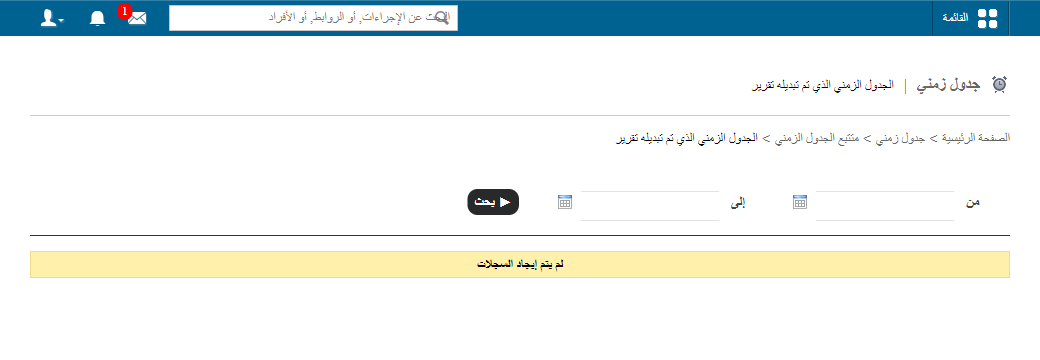
- Click Menu → Academics → Timetable → Timetable Tracker → Swapped Timetable Report.
- Set a date range and click Search.
| Number | Meaning |
|---|---|
| Positive, green (1+, 2+…) | Extra classes the teacher taught. |
| Negative, red (1-, 2-…) | Classes the teacher missed. |
- Click View details to see the swaps.
Screenshot — to be added
public/images/articles/swapped-timetable-report-2.png- Click Export as CSV to export.
Was this article helpful?
Thanks for your feedback!