
How to edit, inactivate or delete a route
Edit route details, inactivate a route you no longer use, or delete a route that has no dependencies.
You can edit a route at any time, inactivate it, or delete it.
Note: A route can be deleted only if it has no dependencies, for example no passengers assigned to it.
Steps
-
Go to Menu → Administration → Transport → Routes to open the Route Details page.
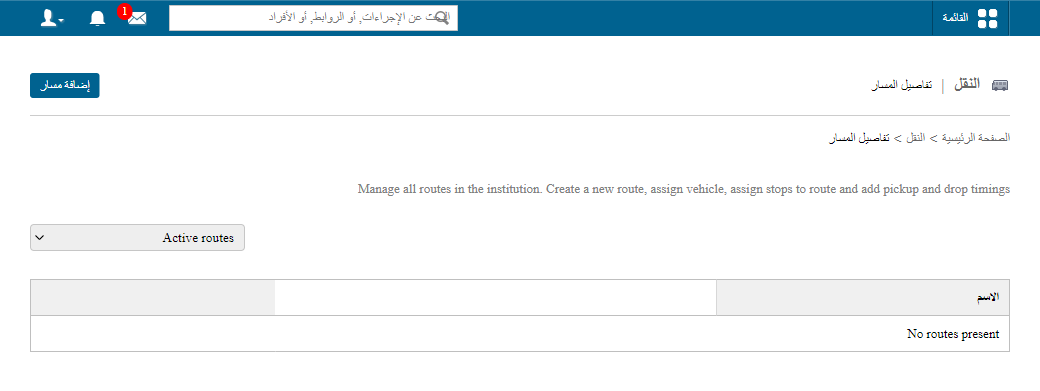
1Route Details page -
Beside the route, click:
- Edit to change the route details,
- Inactivate to inactivate the route, or
- Delete to delete the route.
Screenshot — to be added
public/images/articles/transport-edit-delete-route-2.pngWas this article helpful?
Thanks for your feedback!