
How to inactivate or delete a vehicle additional detail field
Hide a custom vehicle field by making it inactive, or delete it if it has not been used to record vehicle information.
If you no longer want an additional detail field to appear when adding a vehicle, you can inactivate or delete it.
Note: You cannot delete an additional detail field that has already been used to record vehicle information. Inactivate it instead.
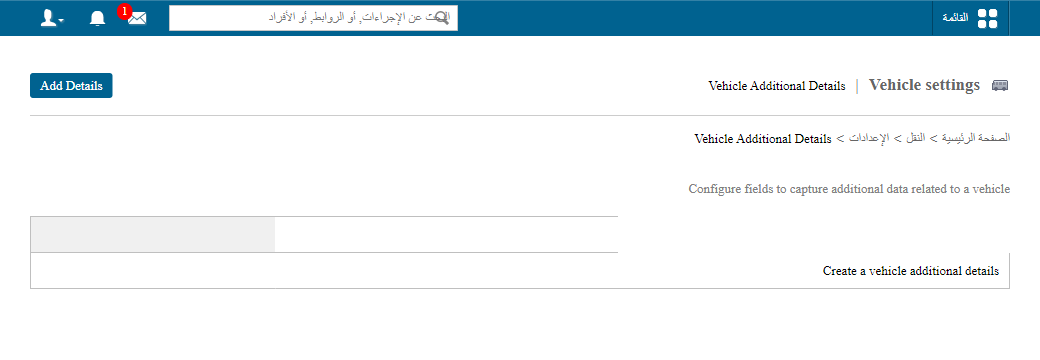
Go to Menu → Administration → Transport → Settings → Vehicle additional details to open the Vehicle additional details page.
Inactivate a field
- Click Edit beside the field you want to change.
- Select the Inactive status.
- Click Update.
Inactive fields are moved to the Inactive fields list.
Screenshot — to be added
public/images/articles/transport-vehicle-field-inactivate-delete-2.pngDelete a field
Click Delete beside the field you want to remove.
Screenshot — to be added
public/images/articles/transport-vehicle-field-inactivate-delete-3.pngWas this article helpful?
Thanks for your feedback!