
How can I create an additional admin account?
Create an extra administrator account to share management work, and understand its limitations.
The main administrator, or an employee with the Manage Users privilege, can create an additional administrator account to share management responsibilities.
Note: This is a temporary account: attendance cannot be marked for it, and internal messages cannot be sent to it. Create such accounts only when needed; you can delete them when they are no longer required.
-
At the top of your dashboard, click the module access icon and go to Menu → Administration → User to open the Manage Users page.
-
In the top right, click Add new to open the Create User page.
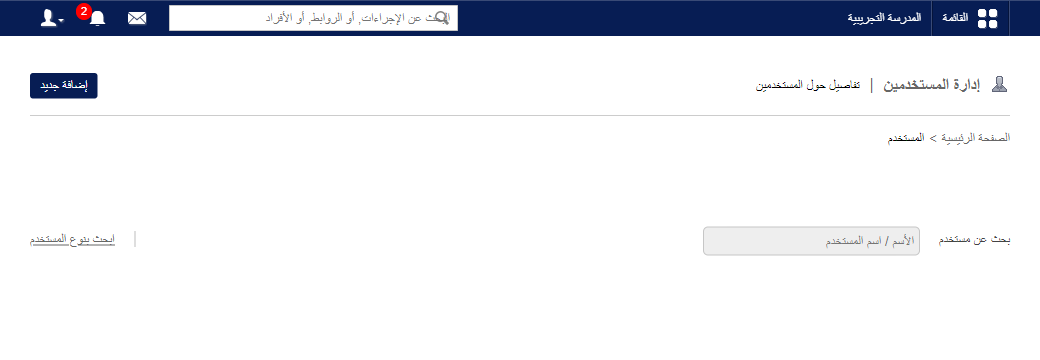
1Location of the Add new button -
Fill in the fields:
- Username – the login name for the account.
- First name – the administrator’s first name.
- Last name – the administrator’s last name.
- Password – a secure login password.
- Email – the administrator’s email address.
-
Click Save.
public/images/articles/user-additional-admin-2.pngThe new administrator has full access to all of myschool.
Was this article helpful?
Thanks for your feedback!