
How to view a batch timetable
View a batch's timetable and print it as PDF or export it as CSV.
Any batch’s timetable can be viewed and printed as PDF or exported as CSV. Breaks appear in the printout with their duration.
- Click Menu → Academics → Timetable → View Timetables.
- Choose the timetable period, then the batch.
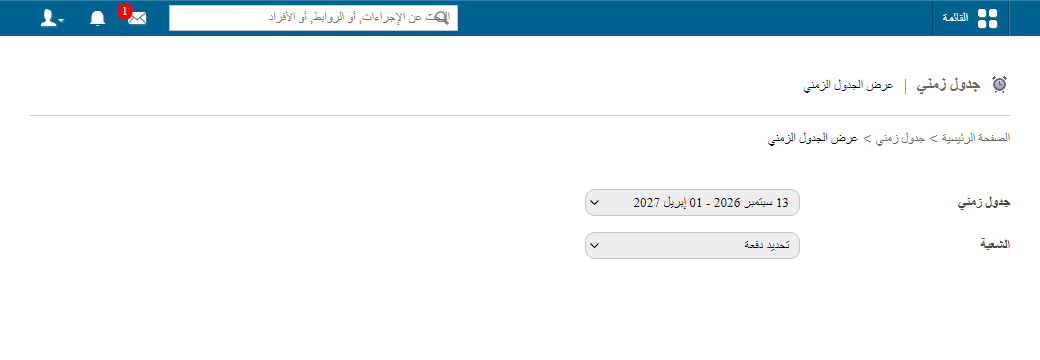
- Click PDF report to print or CSV report to export.
Was this article helpful?
Thanks for your feedback!