
How to activate or deactivate a batch
When a batch becomes inactive, and how to activate or deactivate it from Manage Batch.
A batch becomes inactive automatically when all its students are transferred to a new batch or graduated. You can also activate or deactivate it from Manage Batch: Menu → Administration → Settings → Manage Course/Batch → Manage Batch.
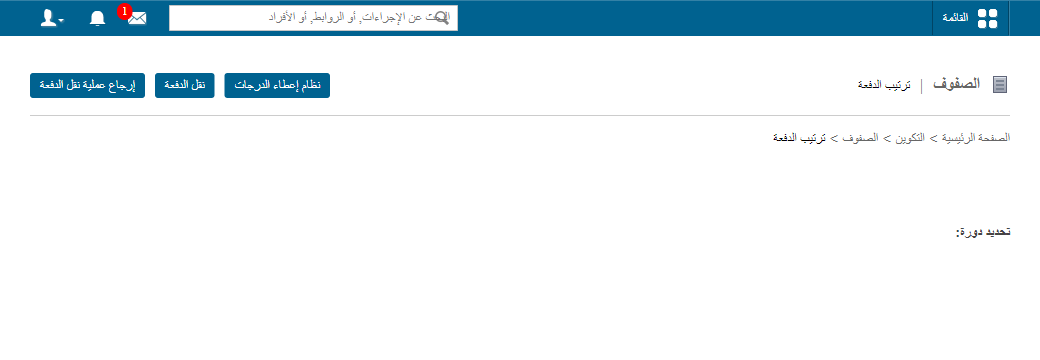
The page lists all active and inactive batches of the course.
Note: A batch that contains students cannot be deactivated. A new batch without students can.
Activate an inactive batch
- Click the Inactive Batches tab to list them.
Screenshot — to be added
public/images/articles/activate-batch-2.png- Click Activate next to the batch.
Once activated, students can be admitted into the batch.
Was this article helpful?
Thanks for your feedback!