
What is classroom allocation and how do I add buildings?
Add buildings, rooms and their capacity before allocating rooms to classes.
Classes need suitable rooms — some need computers, multimedia or lab equipment, and every room must fit the class. Before allocating classrooms, add your buildings and rooms.
Who can do this: the administrator, or an employee with the Manage Buildings or Manage Buildings and Allocations privilege.
Steps
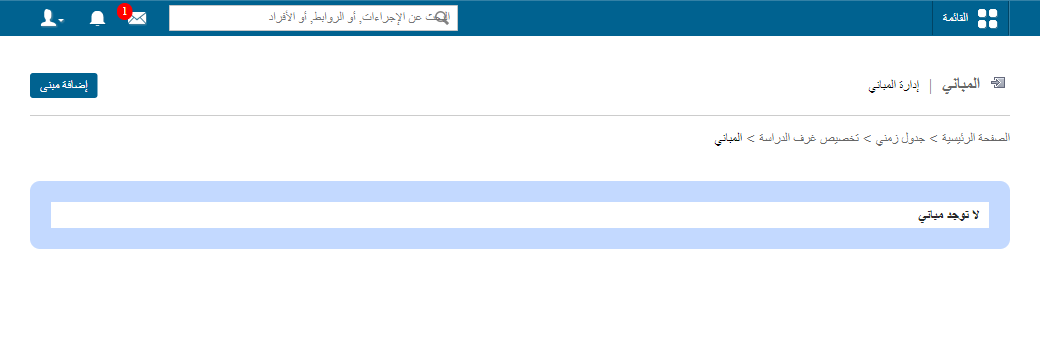
- Click Menu → Academics → Timetable → Class Room Allocation → Manage Buildings.
- Click Add building at the top.
- Enter the building name.
- Enter the room name.
- Enter the capacity (number of students).
- Click Add field to add more rooms.
- Click Save.
Next step: How to allocate a classroom
Was this article helpful?
Thanks for your feedback!