
How to assign a tutor to a batch
Assign one or more teachers as batch tutors so they can mark attendance and enter remarks.
A batch tutor can view batch details, mark student attendance (when attendance is daily), and enter remarks on students’ exam performance.
A batch has one tutor by default, but you can assign several tutors if needed.
Note: Only an Administrator or an employee with the Manage Course/Batch privilege can assign tutors.
Steps
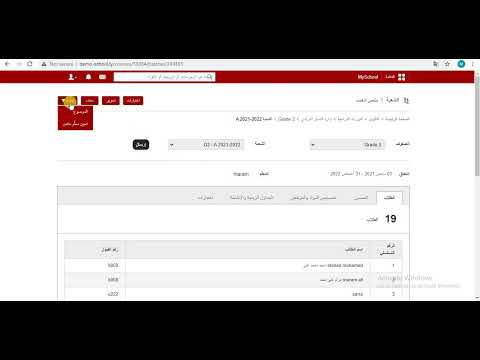
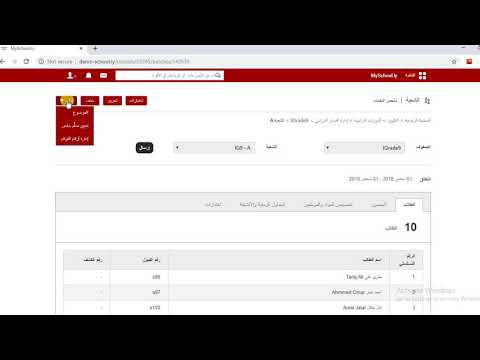
- Go to Menu → Administration → Settings → Manage Course/Batch → Manage Batch.
- Select the course.
- Select the batch.
- Click Manage at the top and choose Assign Tutor.
- Select the department; its employees are listed.
- Click Assign next to the employee.
Repeat step 6 to add more tutors; they all get the same privileges.
Learn more: What privileges does a batch tutor have?
Was this article helpful?
Thanks for your feedback!