
How to view the students in a batch
Three ways to see a batch's student list — Batch Summary, Manage Course or Manage Batch.
You can view the students of any batch in three ways:
| Method | Path |
|---|---|
| Batch Summary | Menu → Academics → Batch Summary → select the batch |
| Manage Course | Menu → Administration → Settings → Manage Course/Batch → Manage Course → select course, then batch |
| Manage Batch | Menu → Administration → Settings → Manage Course/Batch → Manage Batch → select course, then batch |
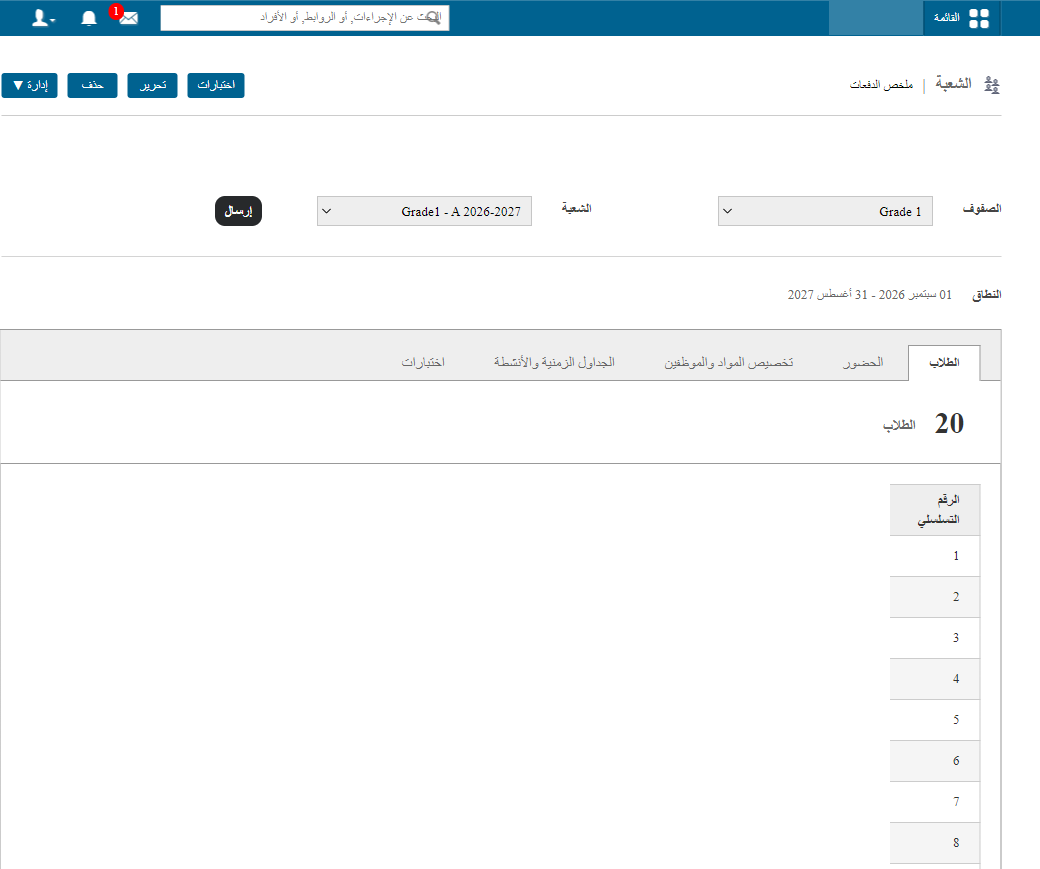
Click any student’s name to open their profile.
Was this article helpful?
Thanks for your feedback!