
How to edit a batch
Two ways to edit a batch — from Manage Course or Manage Batch.
The administrator or an employee with the Manage Course/Batch privilege can edit a batch in two ways.
Method 1: Manage Course
- Go to Menu → Administration → Settings → Manage Course/Batch → Manage Course.
- Select the course; its batches are listed.
- Click Edit next to the batch.
- Make your changes and click Save.
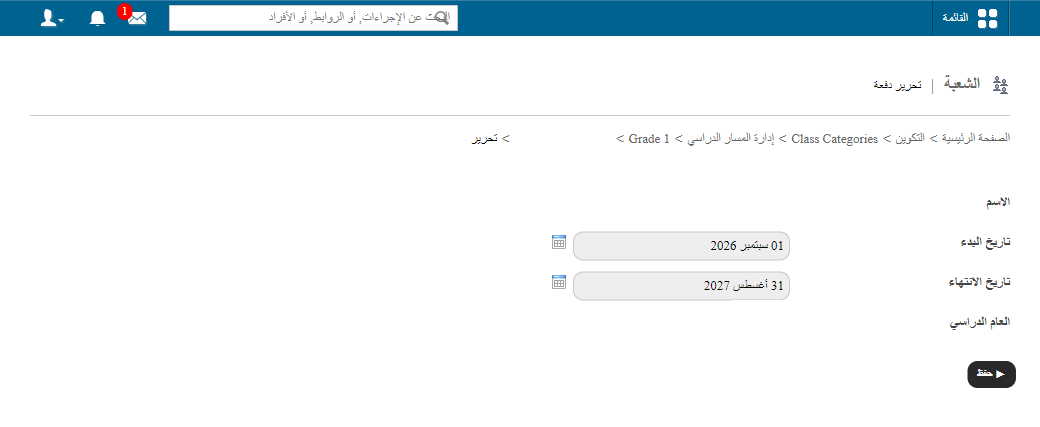
Method 2: Manage Batch
- Go to Menu → Administration → Settings → Manage Course/Batch → Manage Batch.
- Select the course, then the batch.
- Click Edit at the top of the page.
- Make your changes and click Save.
Was this article helpful?
Thanks for your feedback!