
How to edit an employee's leave balance
Add leaves to an employee's balance for each leave type from their profile.
Who can do this: admins or employees with the Employee Attendance privilege.
- Open the employee’s profile.
- Click Leaves → My Leaves at the top; their leave details appear.
- Click Employee leave balance. The available balance for each leave type is shown.
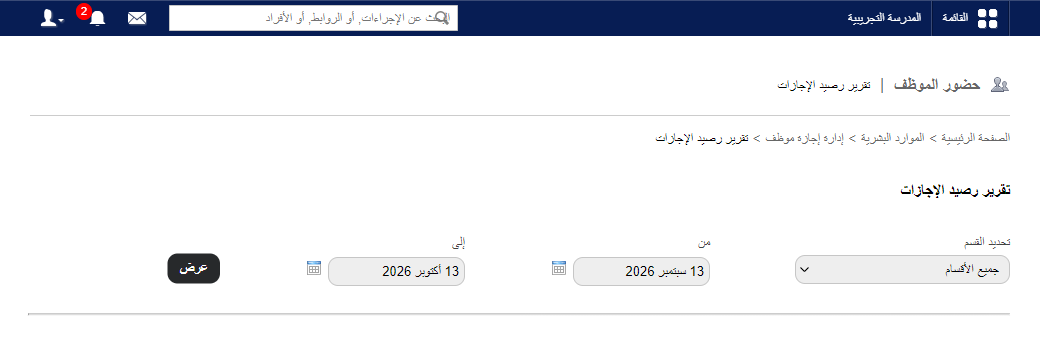
- Click Edit next to a leave type.
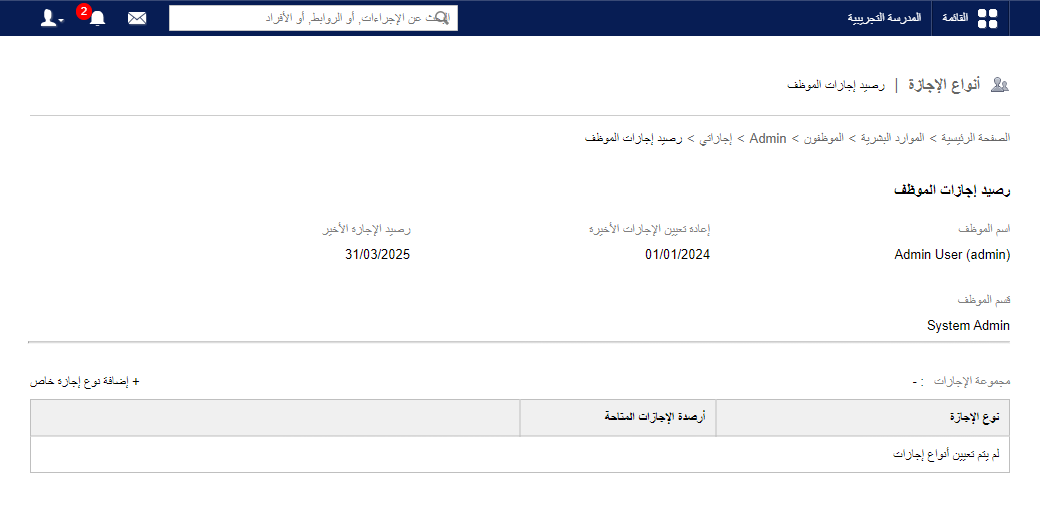
- Enter the number of leaves to add and click Save.
Was this article helpful?
Thanks for your feedback!