
How to edit or delete a scheduled hostel fee collection
Change the dates of a scheduled hostel fee collection, or delete it if no student has paid yet.
You can edit the dates of a scheduled fee collection at any time.
Note: If any student has already paid the fees, the fee collection cannot be deleted.
Steps
-
Go to Menu → Administration → Hostel → Fee Collection → View to open the View fee collection dates page.
-
Select a batch.
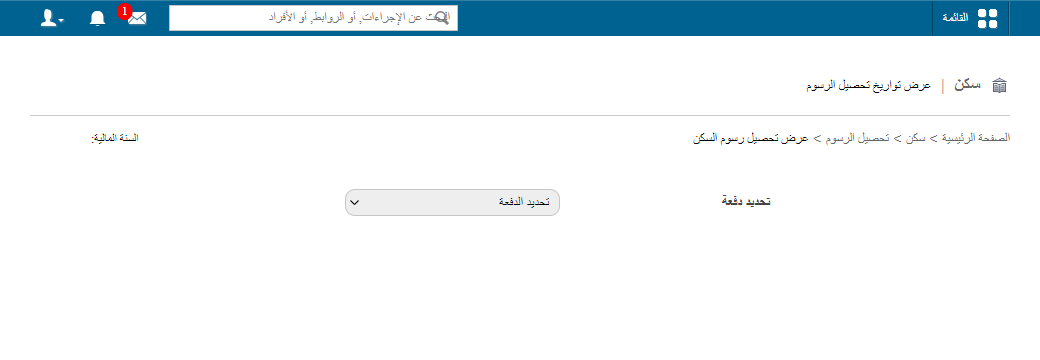
1Selecting a batch on the View fee collection dates page -
Click Edit to change the fee collection dates, or click Delete to delete the fee collection.
Related articles
Was this article helpful?
Thanks for your feedback!